
Edit segment reference line - alignment and offset
Available with Archicad Collaborate
The reference line is at the center of route segments by default. Enter an offset or adjust alignment in the Info Box or Segment Settings as needed.
Note: Turn on MEP Reference Lines in 2D views at View > On-Screen View Options.
For example, to place a duct closer to a slab, realign route reference line to the bottom point. Or define an offset to keep a route at a certain distance from a wall or ceiling.
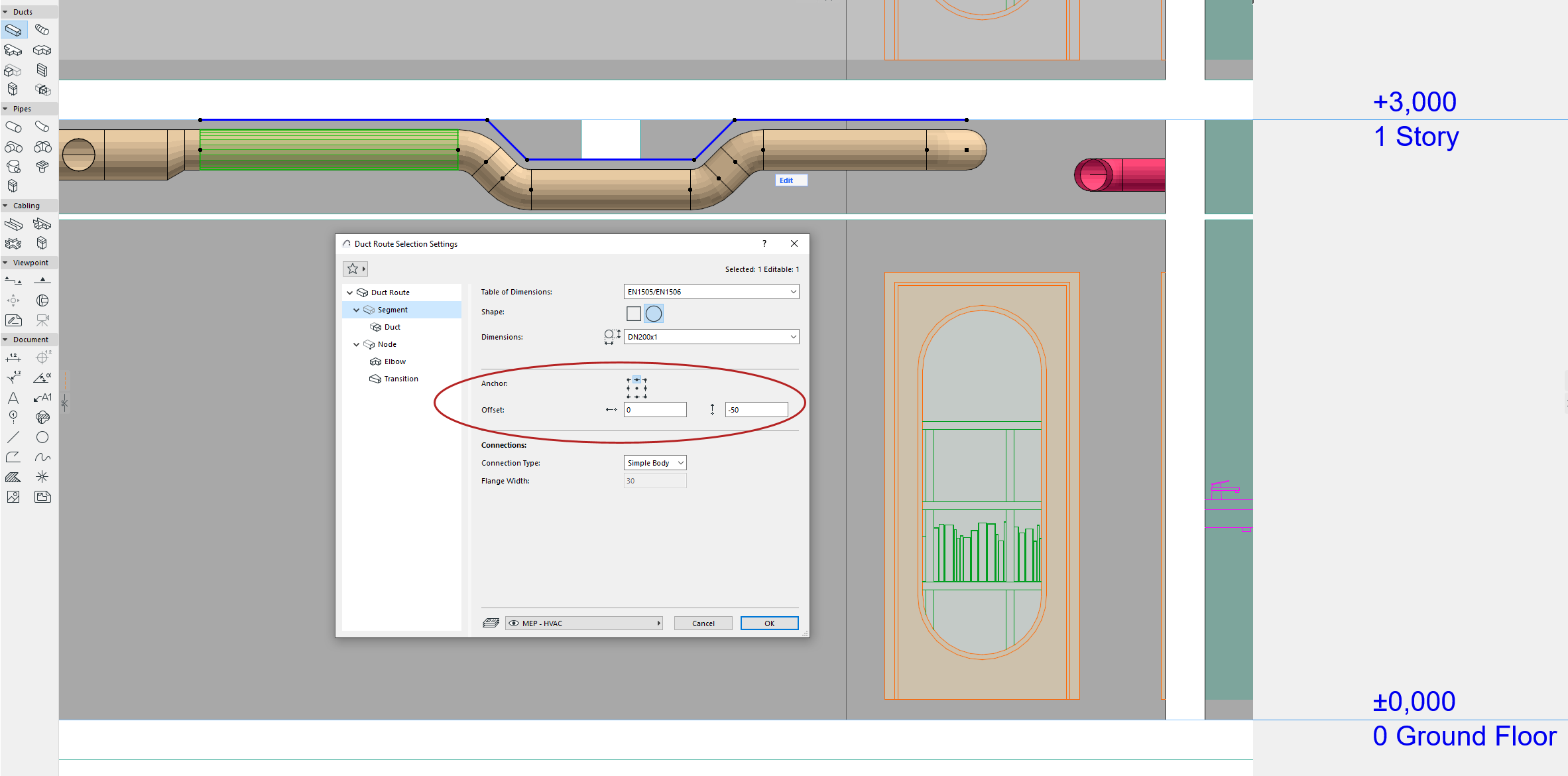
•Define values before or after placing the route
•Customize alignment or offset for any segment in Edit mode