
Select connected MEP elements or routes
Available with Archicad Collaborate
For a selected MEP element, two contextual commands make it easy to also select connected MEP elements or connected horizontal routes.
Both commands are also available from the MEP toolbar:
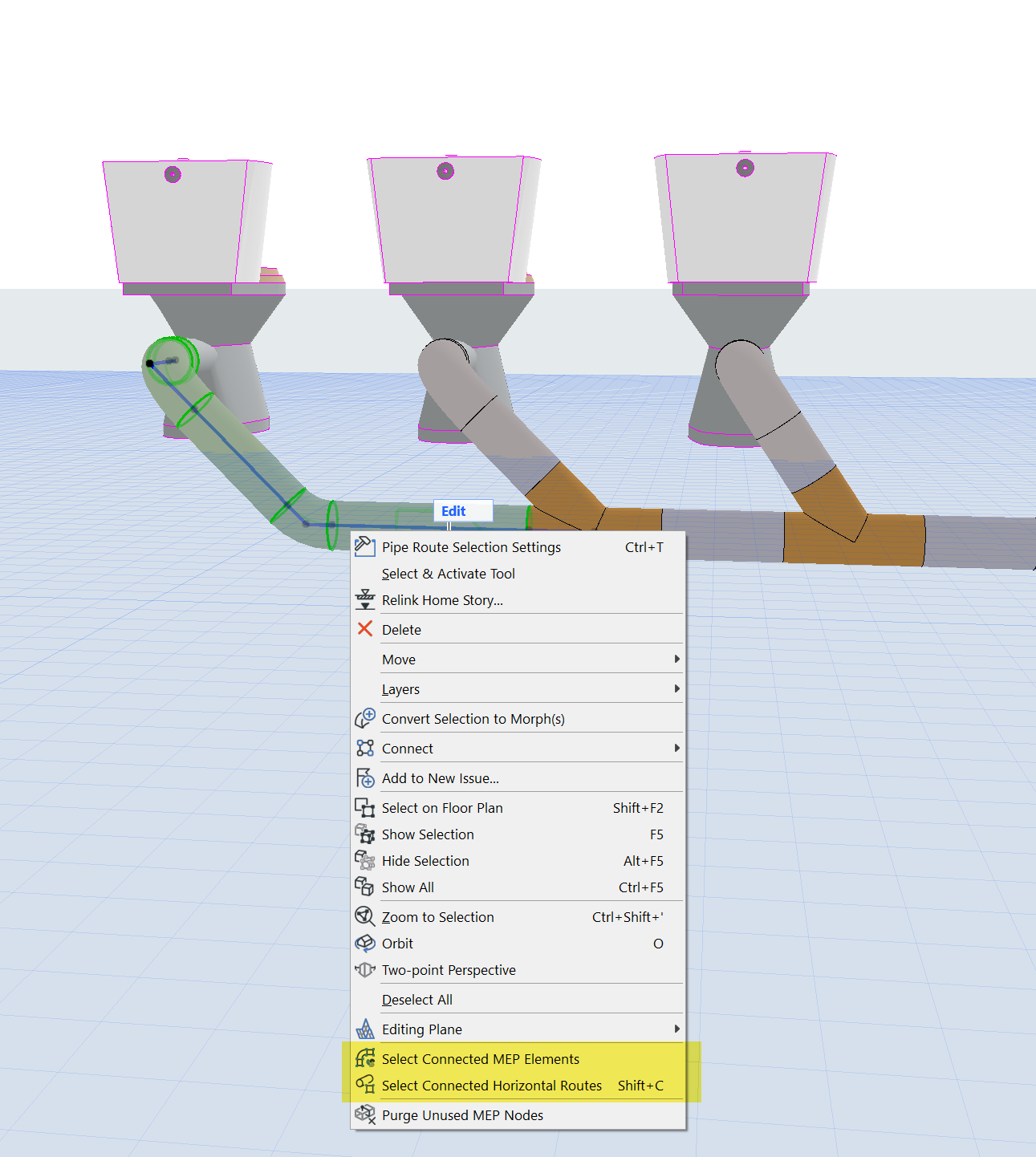
Single selected MEP element - before issuing command
Select Connected MEP Elements
The result of this command: The selected route’s connected fixtures and elements are also selected.
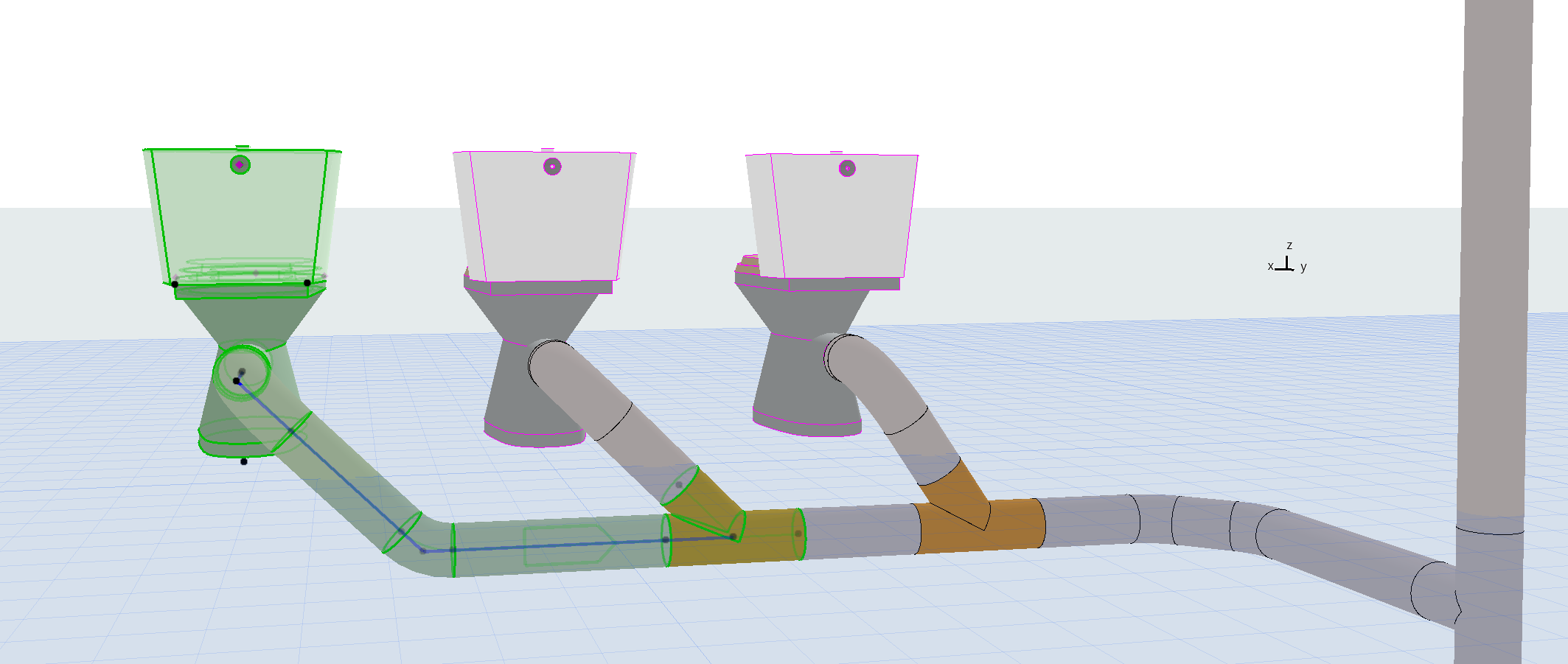
Connected MEP elements all selected
Select Connected Horizontal Routes (shortcut: Shift + C)
The result of this command: additional connected, horizontal routes are also selected.
For example, use this command to change the slope of related connected elements all at once:
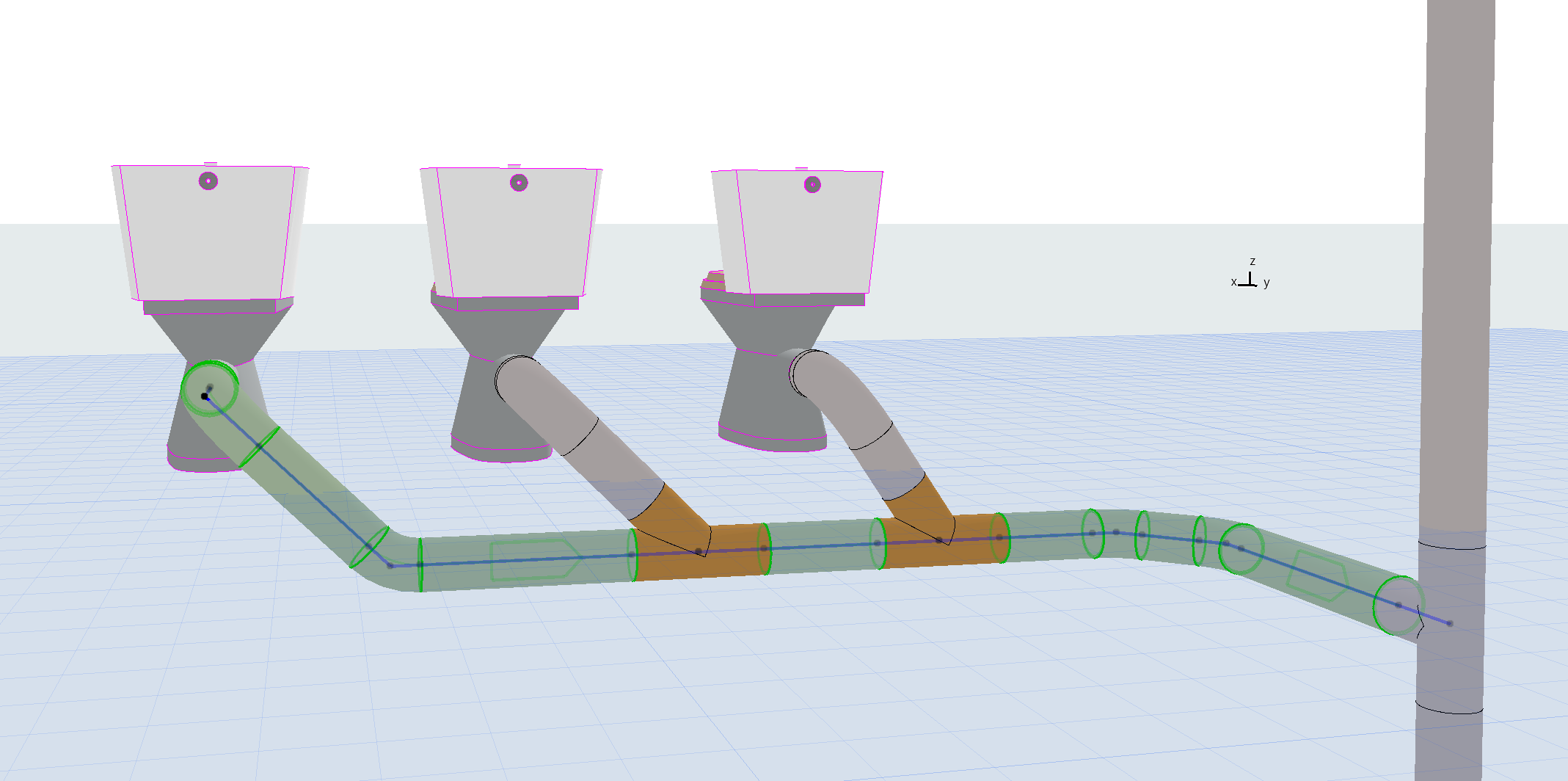
Connected horizontal routes all selected