Available with Archicad Collaborate
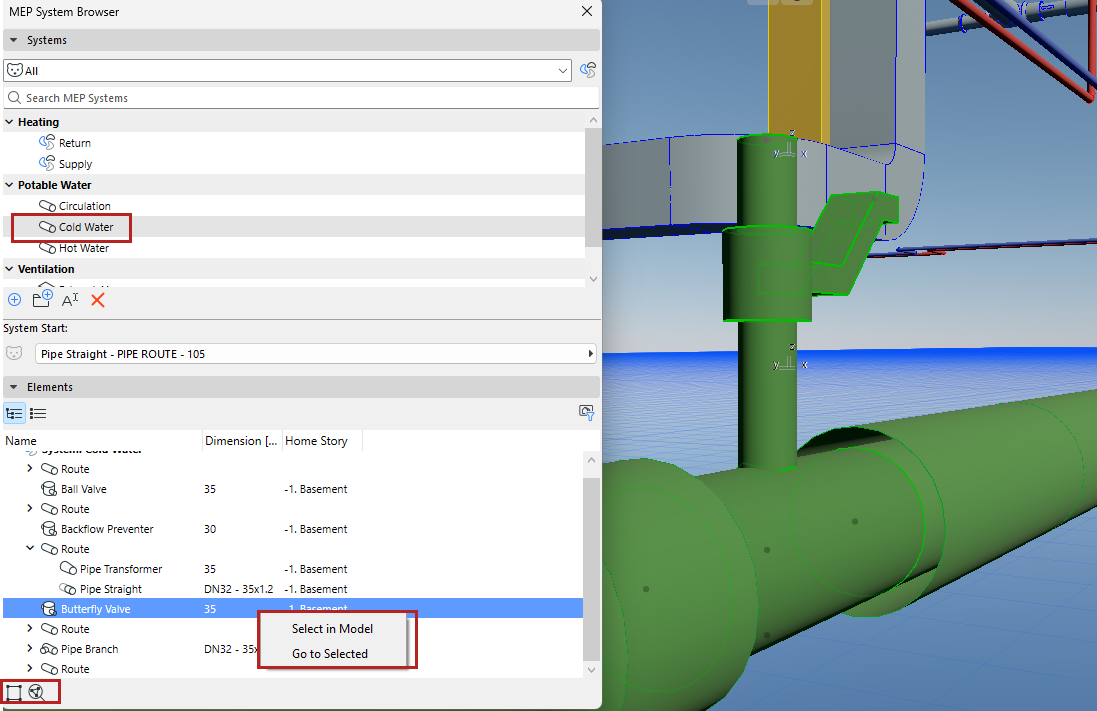
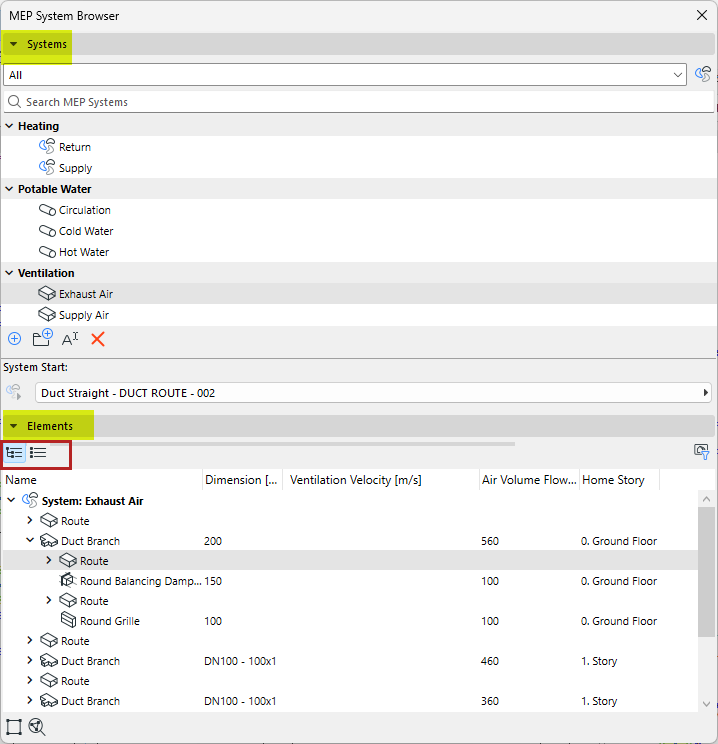
Select a System in the top half of the browser to see dimensions and calculations for its elements below
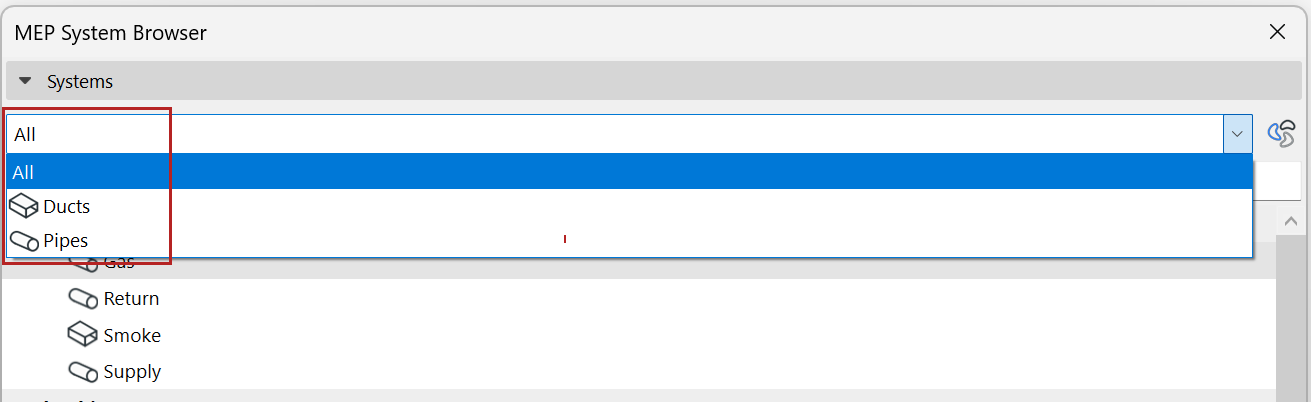
•Filter System list by Ducts or Pipes
•View data in a hierarchical tree structure, or as a flat list (switch views using the icons)
Sort and filter element data
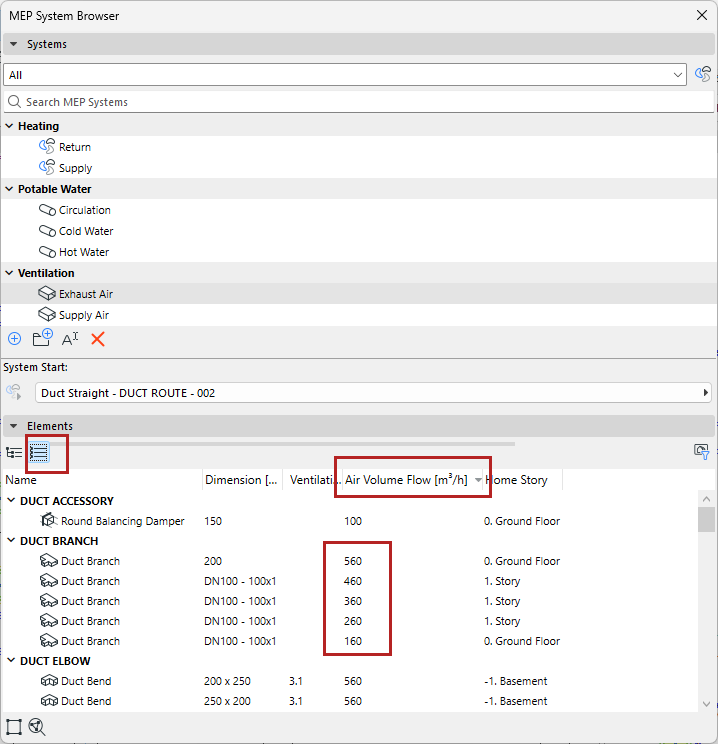
To sort values in order, switch to flat list view, and click the column header:
Filter for Visible elements only
To show data only for elements visible in the current view, filter by “Visible Elements Only”.
For example:
•Hide the data of elements hidden by Renovation Filter
•View just the data from systems visible on the currently open floor plan

Select in Model/Zoom to Selected
Right-click one or more elements, or use the icons at the bottom of the System Browser:
•Use Select in Model to select element
•Use Go to Selected to zoom in