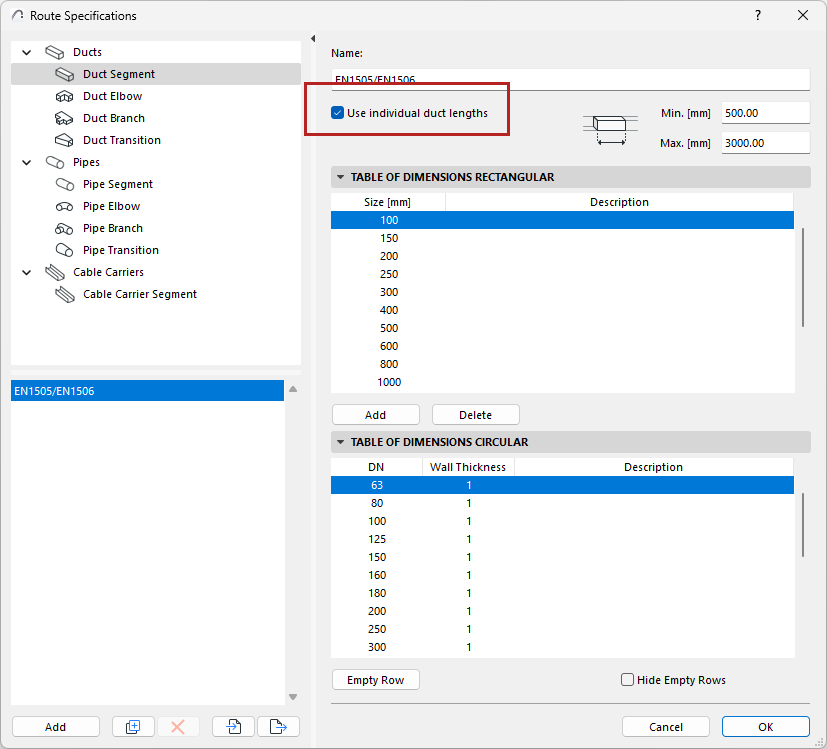
Use individual lengths for pipes and ducts
Available with Archicad Collaborate
When modeling is underway, you might like to see routes as a single, long element for a clean model view. However, for documentation purposes, it can be more useful to see and extract the actual lengths of the route segments.
To set this option, open Route Specifications. (See Route Specifications for more about this dialog.)
For Pipe or Duct segments or Cable carriers:
•Check “Use individual lengths”
•Enter minimum and maximum lengths to reflect the manufacturer’s length specifications (e.g. for your duct type)
Now the model displays each segment length based on your Route Specifications.
You can label each segment separately and list them in the Interactive Schedule.
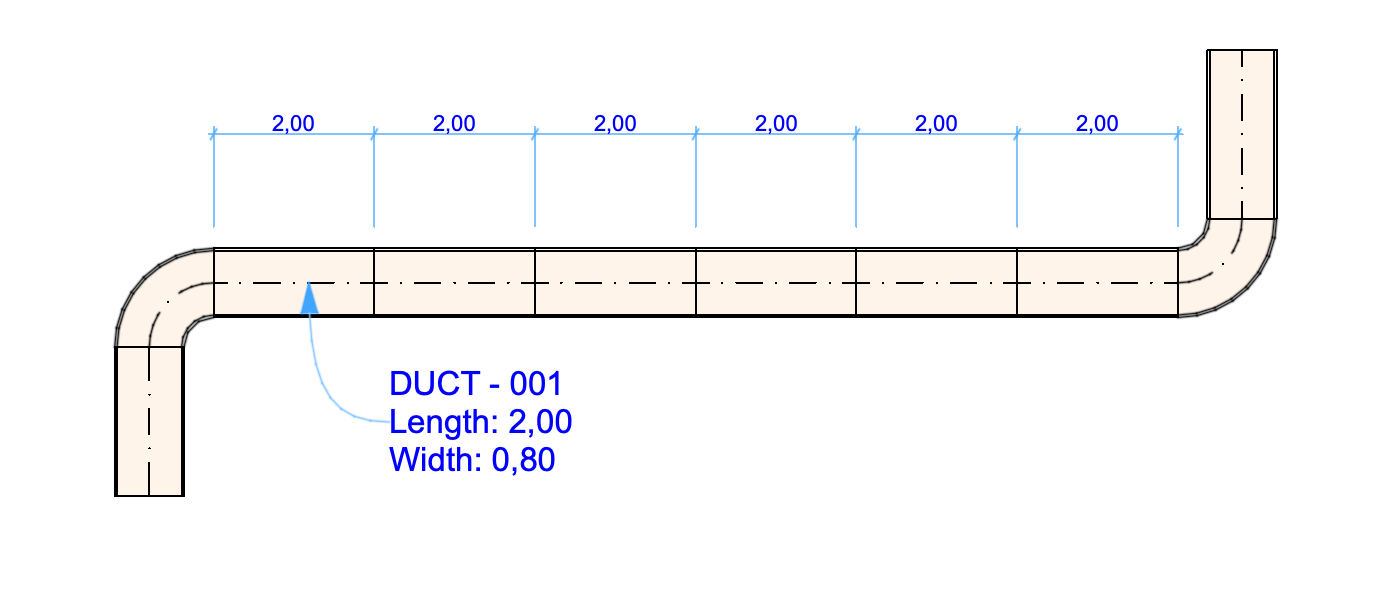
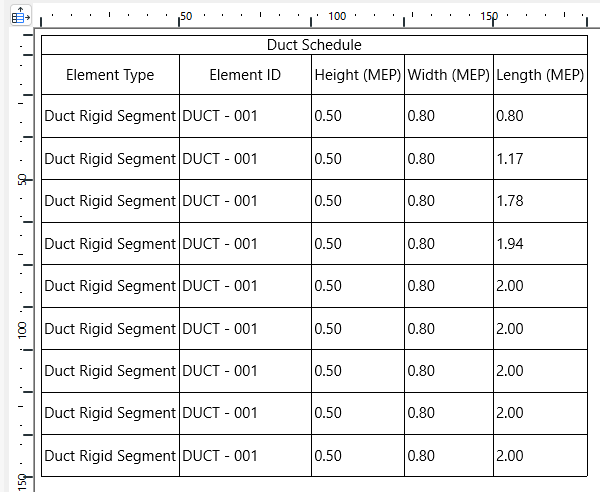
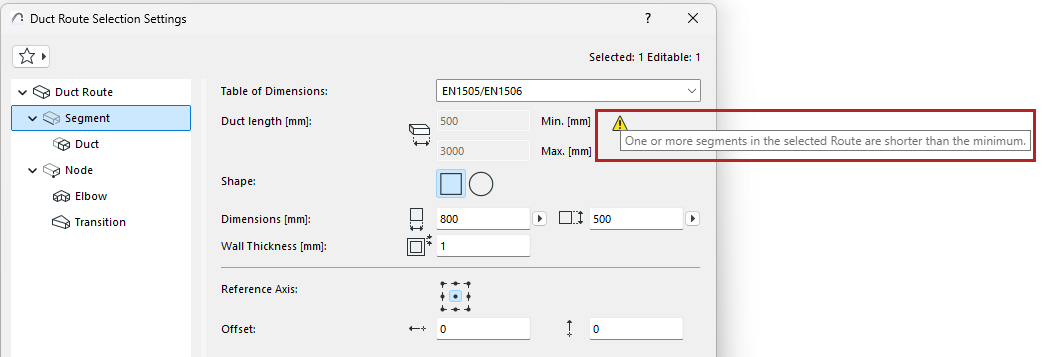
With “Use individual lengths” switched on: You can still model any route geometry, but if segments are created that are too short, Route Settings will alert you:
Optimizing segment lengths: Automatic adjustments
As much as possible, MEP Designer will automatically optimize the segment lengths wherever needed. If the route segment includes a “leftover” length that falls within your minimum/maximum range, as defined in Route Specifications: MEP Designer simply adds it on to the route.
If “leftover” length is less than the minimum length, MEP Designer stretches it to the minimum length. This extra stretch is then subtracted from the previous (full length) part.
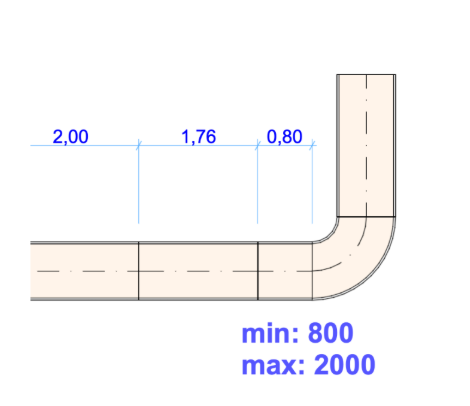
Leftover part was too short, so it is extended to equal the minimum.
Adjoining full-length segment is cut back accordingly.