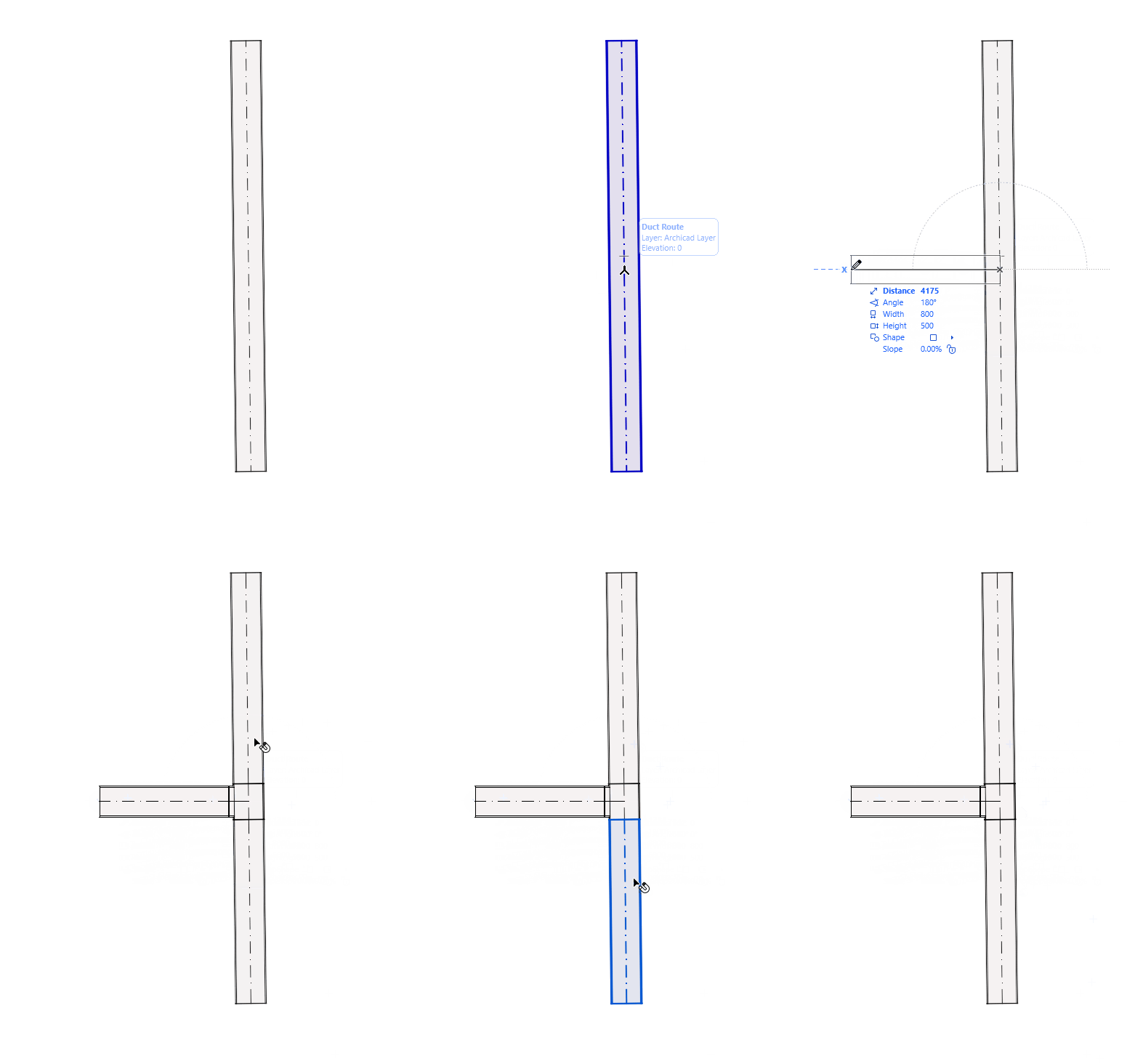
Build up your MEP route intuitively: Select a MEP tool, then click on the existing route to add branches, takeoffs, etc.
See also Edit route graphically.
Add Branch to Route Element
A branch is created when you route a duct or pipe to the side of another duct/pipe. The branch is generated automatically, with customizable cross-section sizes and slopes that you can adjust on the fly.
The original route is split into multiple route elements.
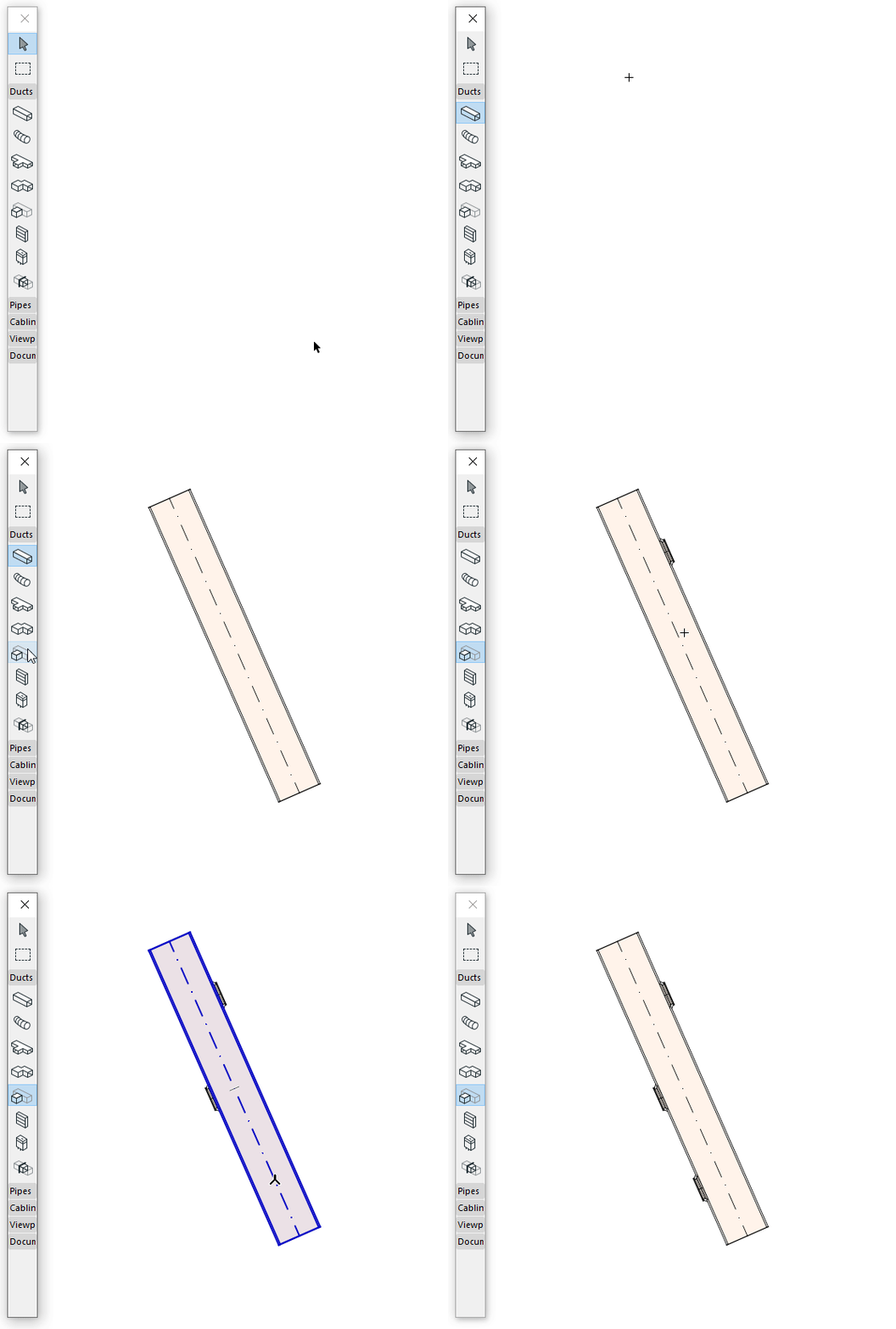
Add Duct take-off
Use the take-off tool to place a take-off element, then connect a duct to it. A transition element is created automatically.
Automatic elbow-to-branch conversion
When adding a new pipe route segment starting from an existing elbow, the elbow is automatically converted into a tee or branch fitting. This conversion works even if the new pipe has a different diameter from the existing one.