Use this command to import OBJ files as GDL Objects.
1.Use File > Libraries and Objects > Import OBJ as GDL Object.
2.Browse for an OBJ file to import, then click Open.
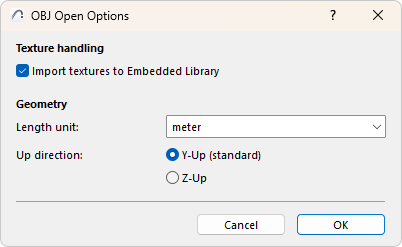
3.In the appearing OBJ Open Options dialog, customize the import options:
Texture Handling
Check this box to import the OBJ file textures to the Embedded Library. This checkbox is active by default.
See Embedded Library
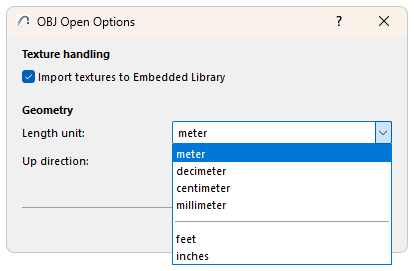
Geometry
Choose the length units and Up direction of the OBJ file you are importing.