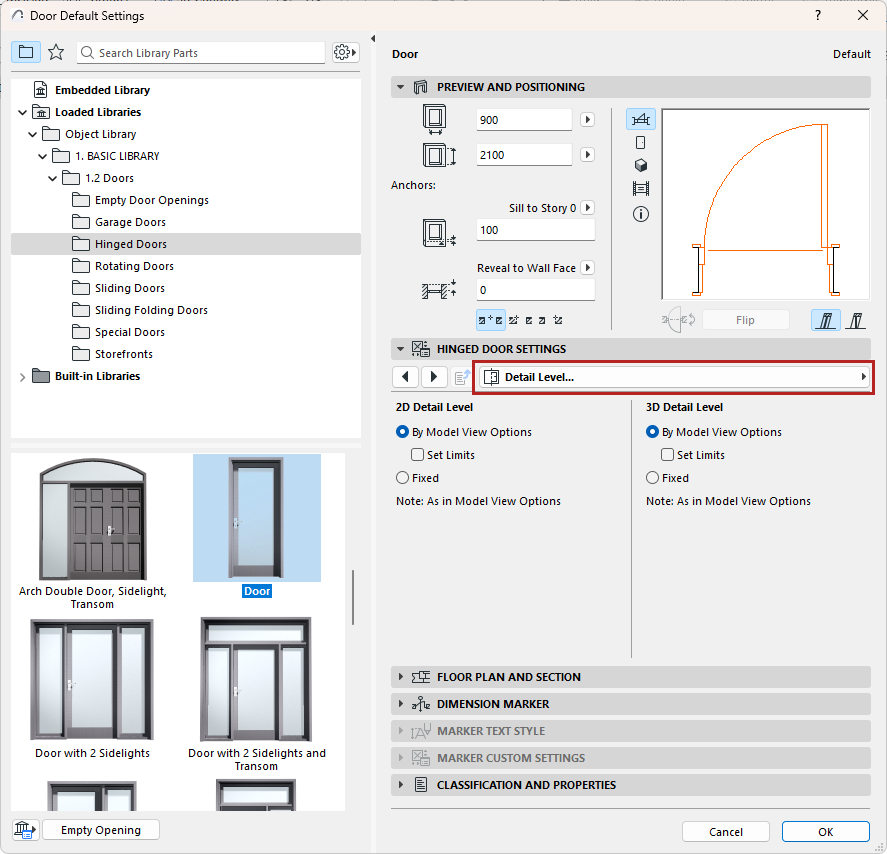
The following is a description of the detail level tab page of the Custom Settings Panel of Door or Window Settings, from the INT Archicad Library.
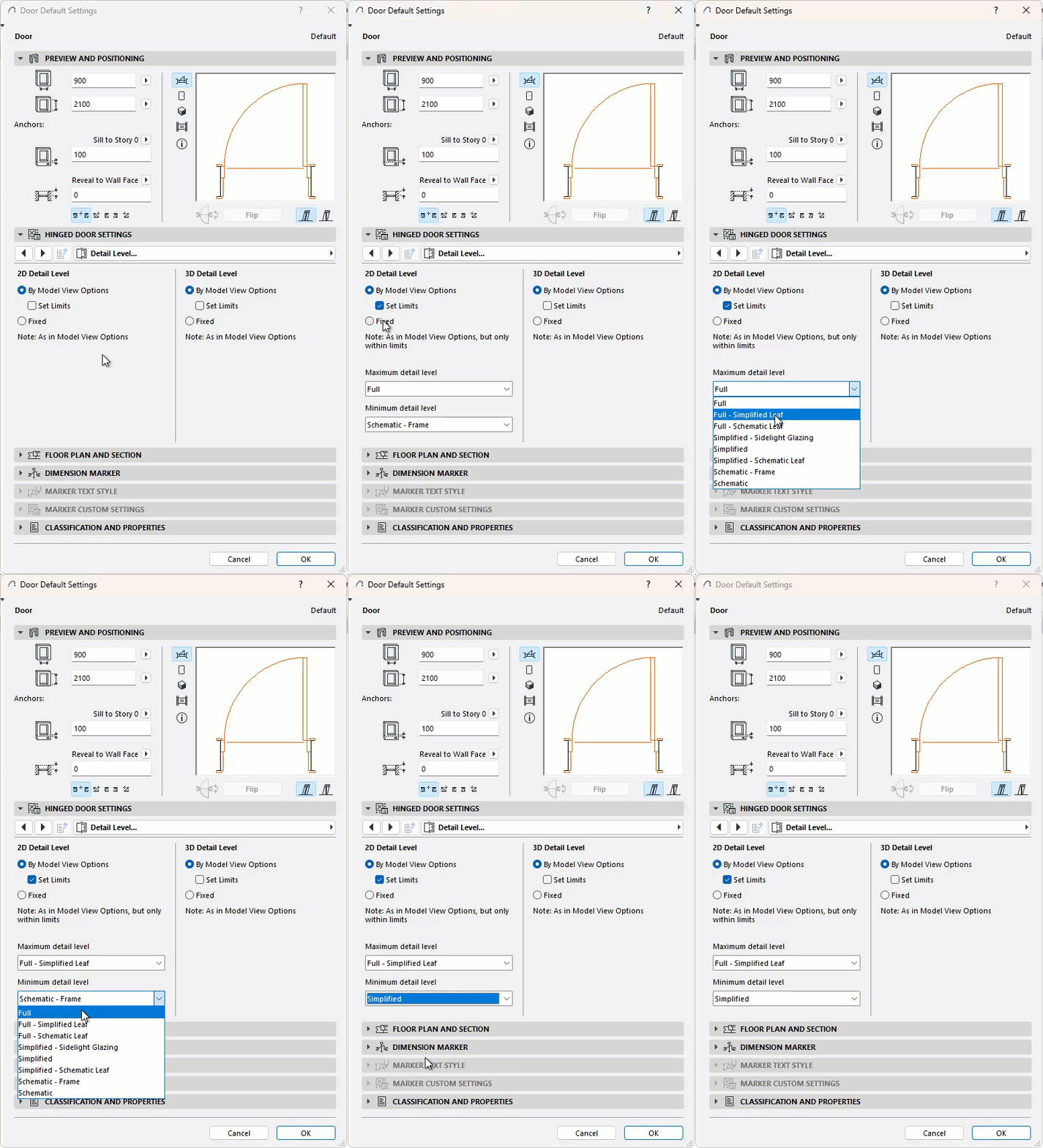
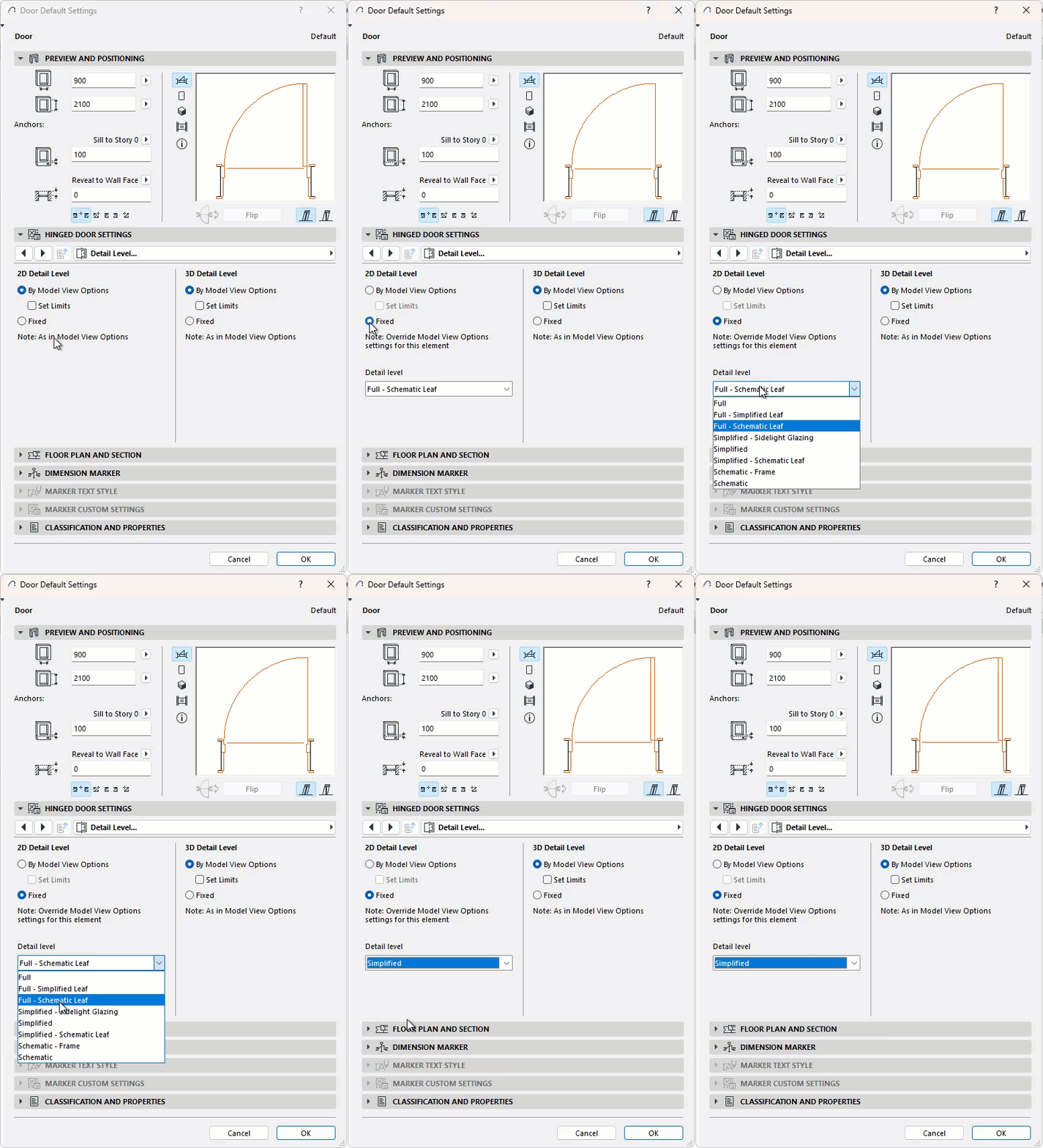
Choose the detail level for displaying Doors and Windows on Floor Plan, and in Section/Elevation and 3D Projections.
By Model View Options
Match the detail level to the Model View Options settings.
Note: Check the Set Limits box to choose the minimum and maximum detail level
Fixed
Use a custom detail level. This option will override the Model View Options settings.