Flexible Project Info
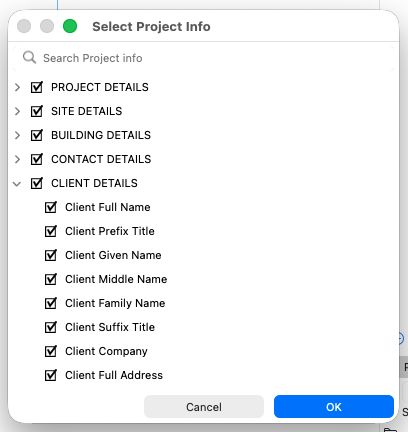
The Project Info dialog has been rebuilt from the ground up, allowing for requested improvements to organization and ease of use.
-
Create any number of new custom groups
-
Previously fixed groups can now be renamed and deleted (when there are no fixed fields inside)
-
Drag/Drop any group and field in any order, among any groups, using multi-selection
-
Easy data input via popups, instead of separate dialogues
-
Returns (line breaks) in longer texts are now clearly indicated inline
-
Fixed vs Custom fields are now clearly distinguished, with Custom fields indicated with a dot icon. Note that fixed fields are extensively used in Archicad and exports, and cannot be deleted.
-
Search and filter the list to find what you’re looking for. During search, closed groups will temporarily open to reveal content.
-
Improved keyboard support to move between and edit fields. After search, use enter/return to move the cursor focus to the list.
-
Autotext grouping has been updated, to accommodate custom groups, to contain all Project Info data into 1 main grouping - changes are also reflected in GDL lists
-
New context menu for groups and fields, to create, rename and delete
-
Updated XML format to accommodate changes
-
Updated access to Project Info from other dialogs, including:
-
Location Settings, with modified and clearer UI, and
-
Headline texts in Energy Evaluation reports
-
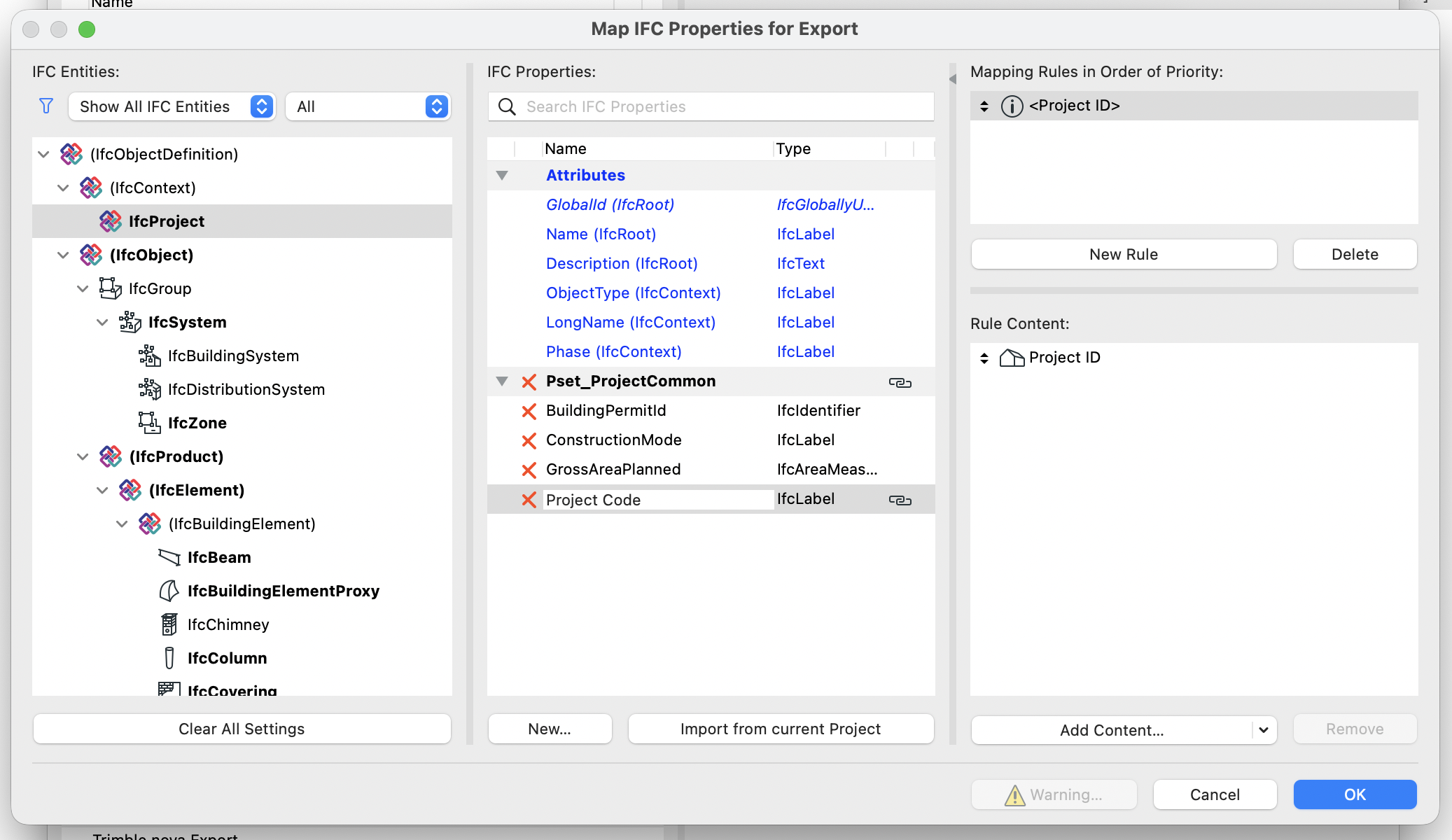
Project Info available in IFC
New Project Info mapping has now been added to Building, Site, and Project levels, which was previously unavailable.
Mapping to Project Info data is also available anywhere Mapping has been available - for any ifc type.
Project Info filtering to BIMx
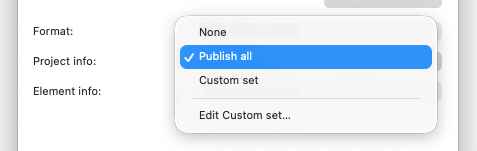
When saving or uploading the model as BIMx hyper-model (from the Publisher): new options have been added to customize and limit the Project Info data that is transferred to BIMx. Choose to transfer all, none, or a user-customizable set of data. (Previously, all Project Info data was exported to BIMx.)