Create/Edit Solid Fill
Solid Fills include
- the Foreground Fill: You see only the Foreground, because it covers up the Background.
- the Background Fill: You see only the Background, because the Foreground is set to zero.
- Three fills whose foregrounds are of predefined Opacity (25%, 50%, 75%).
In the Fills Dialog Box (Options > Element Attributes > Fills), click New, and choose Solid fill from the New Fill dialog box.
Enter a name.
In the Appearance panel, enter a foreground opacity percentage (or use the slider) - in this case, 65.
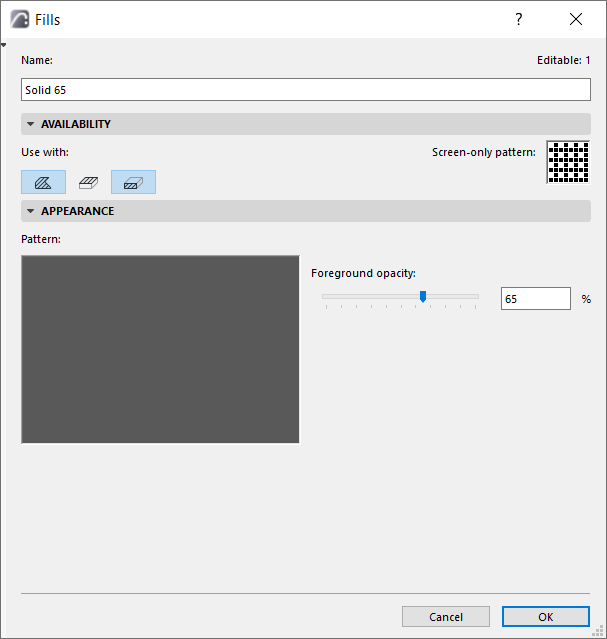
View the result in the Preview window.