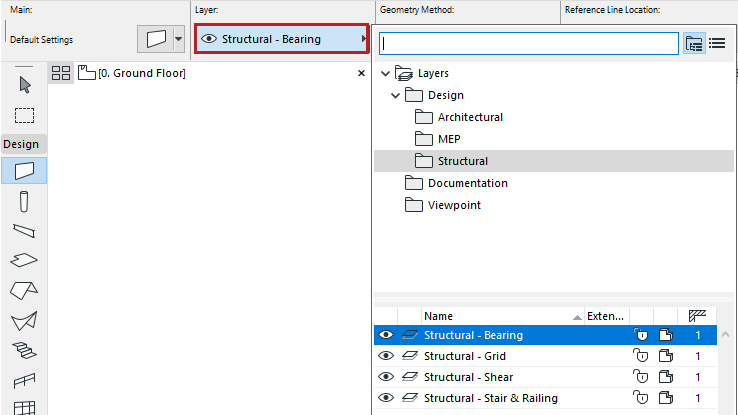
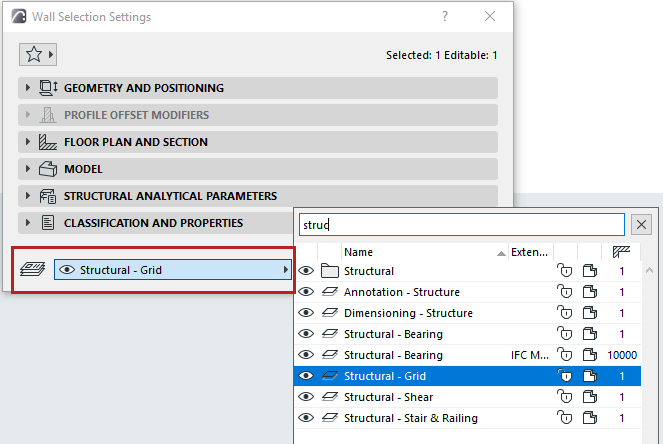
Change element’s layer Each tool has a default layer assignment, defined in element settings. To change an element’s layer: Select the element Open the layer picker drop-down fromthe Info Box, or the bottom of element Settings Click the layer you need. Parent topic: Layers