Replace surface settings from catalog
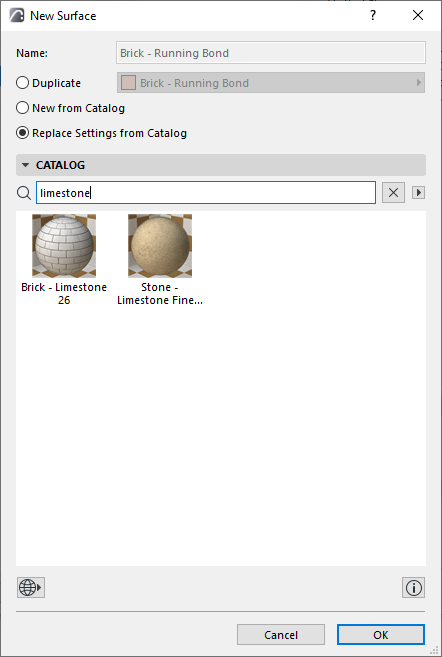
Use this to replace the settings only of the current surface with those of a surface selected in the catalog. The original surface’s name, index number, and vectorial hatch remain unchanged.
Use this to replace the settings only of the current surface with those of a surface selected in the catalog. The original surface’s name, index number, and vectorial hatch remain unchanged.