Trim Elements Using Scissors
Use the Trim command to remove the part of an element extending beyond its intersection point with another element, or to cut out part of the element between two intersection points.
Trimmable elements: Walls, Beams, Lines, Circles, Arcs, Polyline and Splines.
Do the following:
- Choose the Edit > Reshape > Trim command, or press the Ctrl (Windows) or Cmd (Mac) key.
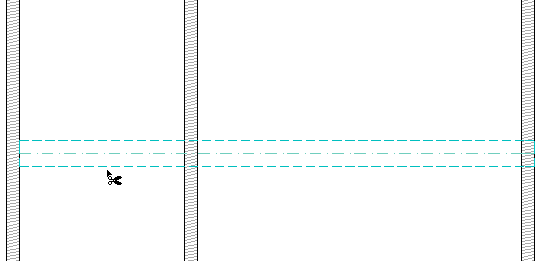
- The Scissors cursor appears. Move it to a trimmable element and click the segment you want to trim.
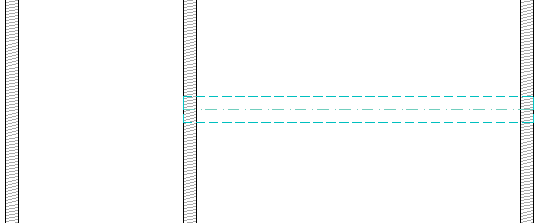
- The clicked part of the element between the two nearest intersection points will be deleted.
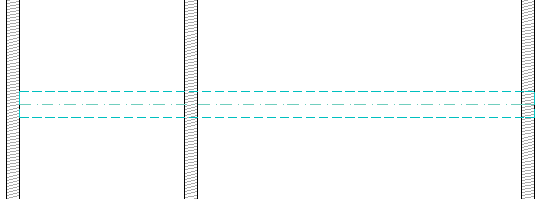
For example, here we will trim part of the beam - the part that falls between the first two walls on the left.