Simple Extruded Vault: Parallel to the Floor Plan
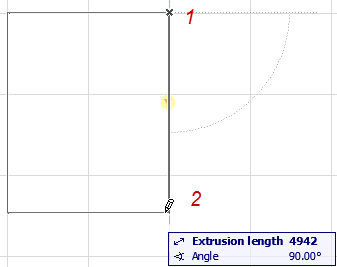
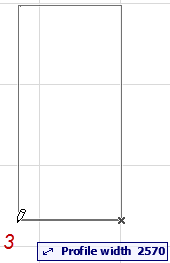
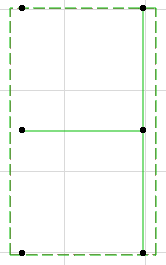
Use this method to place a vault-shaped Shell profile, then extrude it graphically.
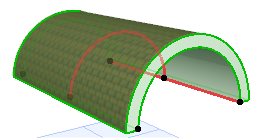
The Shell’s profile here is always a half-circle (vault). (You can edit the profile later.)
Use this method to place a vault-shaped Shell profile, then extrude it graphically.
The Shell’s profile here is always a half-circle (vault). (You can edit the profile later.)