Simple Extruded Vault: Perpendicular to the Floor Plan
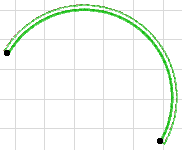
Use this method to place a vault-shaped Shell profile, then extrude it up or down (perpendicular to the Floor Plan).
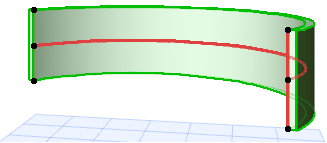
The Shell’s profile here is always a half-circle (vault). (You can edit the profile later.)
On the Floor Plan:
- Activate the Shell Tool and choose the extruded geometry method with simple input method.

- Double-click at the place you want to place the Shell. (A temporary profile appears.) Its base elevation depends on the value set in Shell Settings.
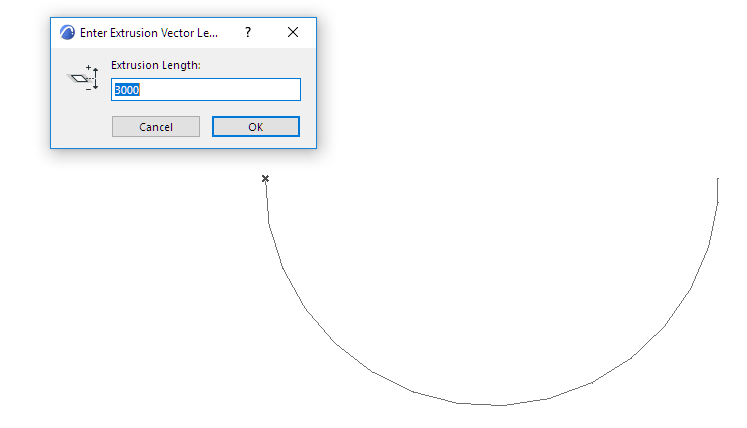
- In the appearing dialog box, enter the length of the Shell’s extrusion. A positive number will extrude the Shell upward (toward you). A negative number will extend the vector away from you. Click OK to close the dialog box.
- Move the cursor to define the Shell position, then click to define the width of its profile.
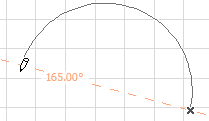
- The Shell is complete.