Revolved Shell: Simple Input
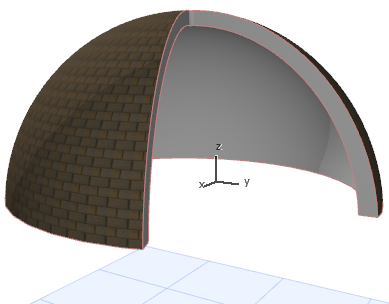
In the Floor Plan or 3D window:
- Activate the Shell Tool and choose the revolved geometry method with simple input method.

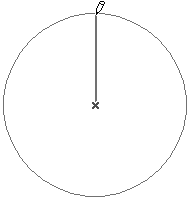
- Click to define the Shell axis at the center of the dome. (The initially placed axis is always vertical, though you can edit the axis slant later.)
- Drag the cursor to define the size (width) of the Shell. Click where you want to begin revolving it around the axis.

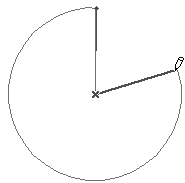
- Drag the cursor and click to complete the angle of revolution.
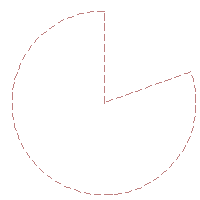
- View the result in 3D.