Extruded Shell: Wavy Canopy Roof
- Activate the Shell Tool and choose the extruded geometry method with detailed input method.

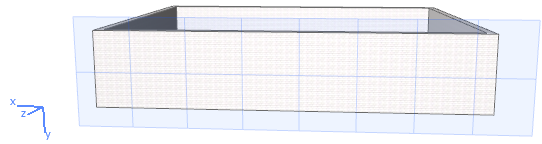
- In the 3D window, click on a surface, or click three points, to define an input plane onto which to draw the profile.
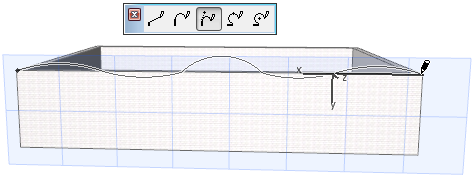
- Draw the desired profile, in this case a wavy line, with the usual pet palette options. Click to complete.
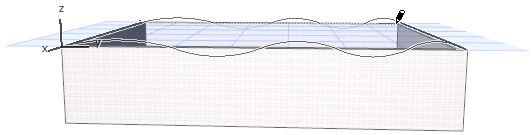
- Next, extrude the profile: Extend it back to the far wall and click to place it. View the result.
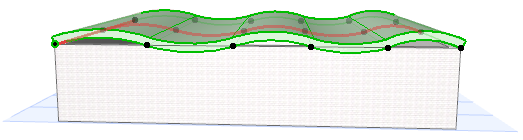
- Raise the Wall height so that the it intersects the Shell, so that you can trim the Wall to the Shell.
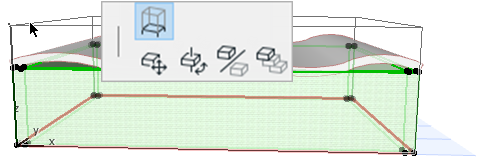
- Select the Wall and Shell which you want to trim. From the context menu, choose Connect > Trim Elements to Roof/Shell (also available in Standard toolbar).
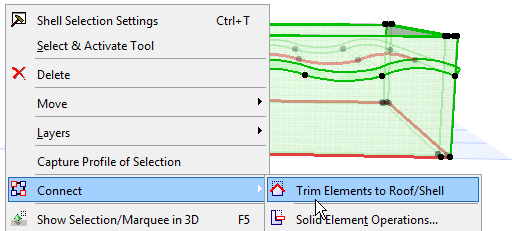
For more information on Shell connections, see Trim Elements to Roof or Shell.
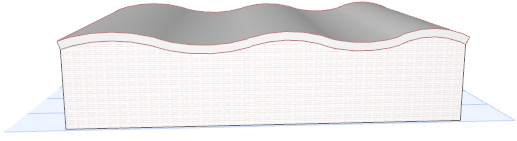
View the result.