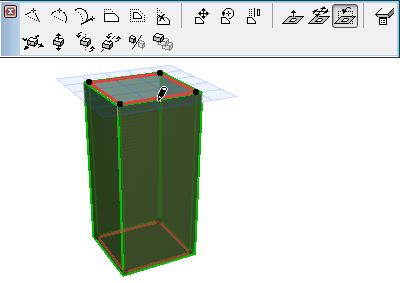
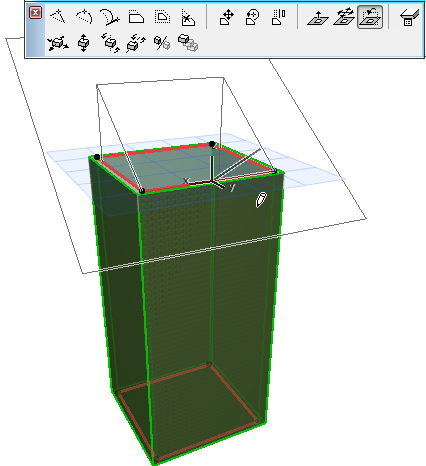
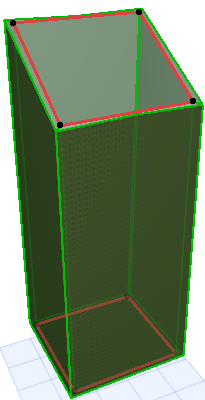
Options for Editing Ruled Shells
The Ruled Shell has two profiles. One end of the first profile is distinguished by a larger hotspot; this represents the Shell’s base height.
Here are some editing possibilities for either profile:
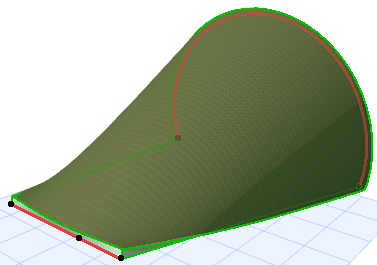
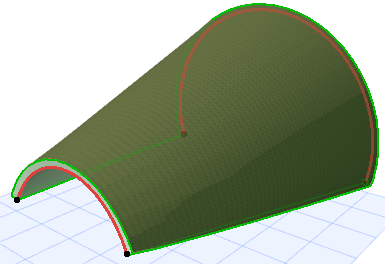
For example, extend the straight-line profile to make that end of the Shell wider.
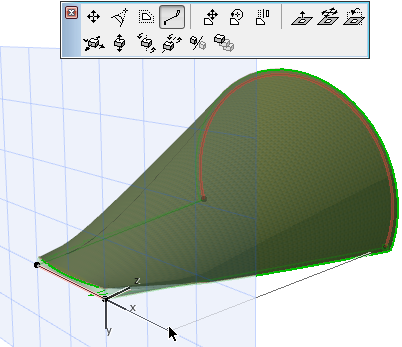
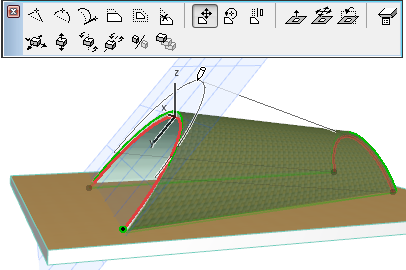
Use this command to drag the profile within its own plane, in horizontal and/or vertical directions, to a new location.
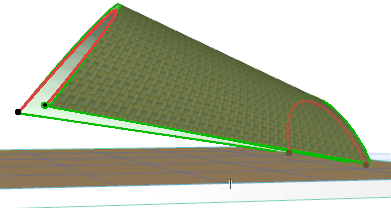
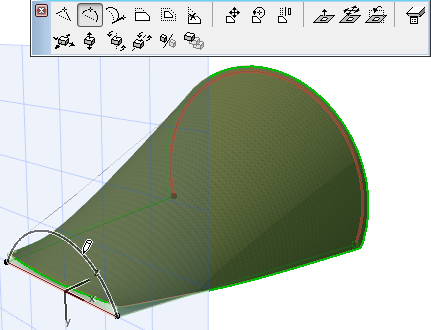
Use these commands to rotate the selected profile in space.
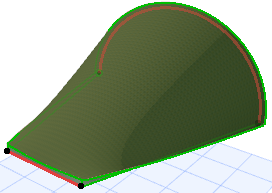
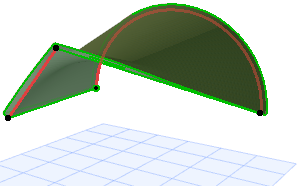
Here you move the entire plane of the profile in the vertical direction.
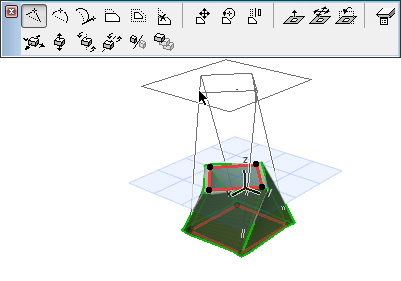
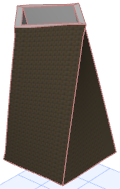
Here you take the profile plane and drag it horizontally.
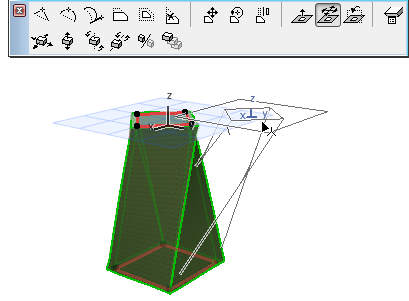
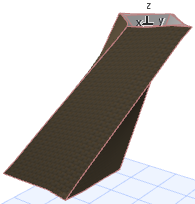
Click to enter the turning point. Then move your cursor to define the turn direction, and click to complete.