Define Shell Contour
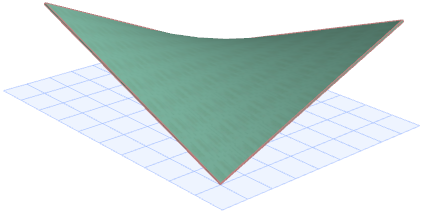
Suppose we have a ruled Shell like the one above.
You can trim it, or any Shell geometry, to the desired shape by defining its contour.
- Go to the Floor Plan or Section window.
- Select the Shell.
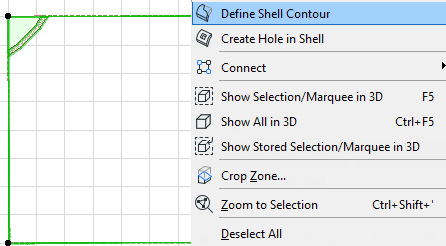
- From the context menu, choose Define Shell Contour.
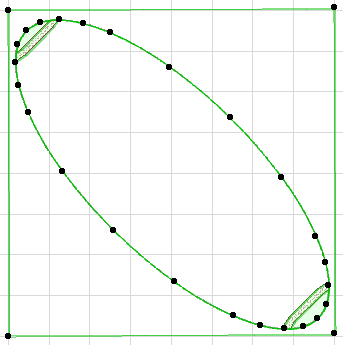
- Draw the desired polygon: in this case, an ellipse. (Or use the Magic Wand on an existing polygon.)
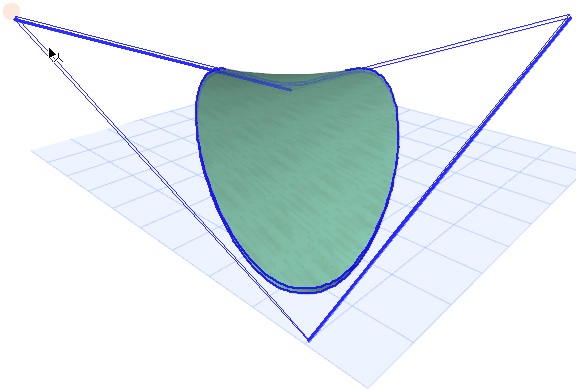
- Click to complete the polygon. The Shell is trimmed.
See also Edit Shell Contour Polygon.