Edit Elevation of a Mesh Point
- Select the Mesh.
- With the Mesh tool active, click a Mesh Point to bring up the pet palette.
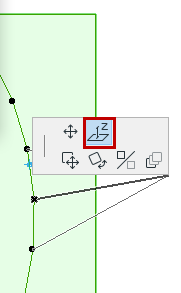
- Choose the Elevate Mesh Point command from the pet palette.
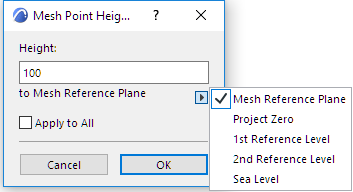
If you are in the Floor Plan, this opens the Mesh Point Height dialog box.
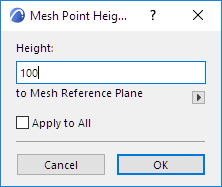
- Enter a new height value in the text field.
Checking the Apply to All box will set all Mesh points to this new height.
Changing the elevation of a single point will not affect the elevation of the neighboring points.
The arrow below the text field opens a pop-up menu in which you can choose a reference level for the modified height.