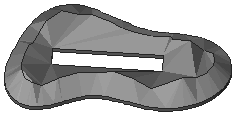
With the Mesh tool, draw a closed polygon that falls entirely within the Mesh polygon.
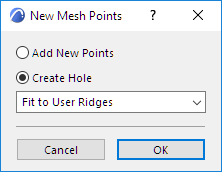
The New Mesh Points dialog box opens.
Choose the “Create Hole” radio button.
Choose an option from the drop-down menu to define the relationship between the newly created points and existing ones.
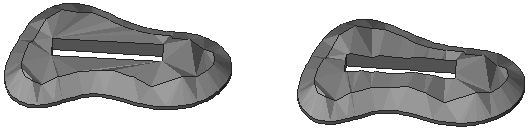
No Surface Fitting: The slopes of the Mesh will be connected to the bottom elevation of the Mesh.
Fit to User Ridges or Fit to All Ridges: With these options, no slopes will be connected to the bottom of the Mesh, allowing you to place your building exactly into the excavated site.