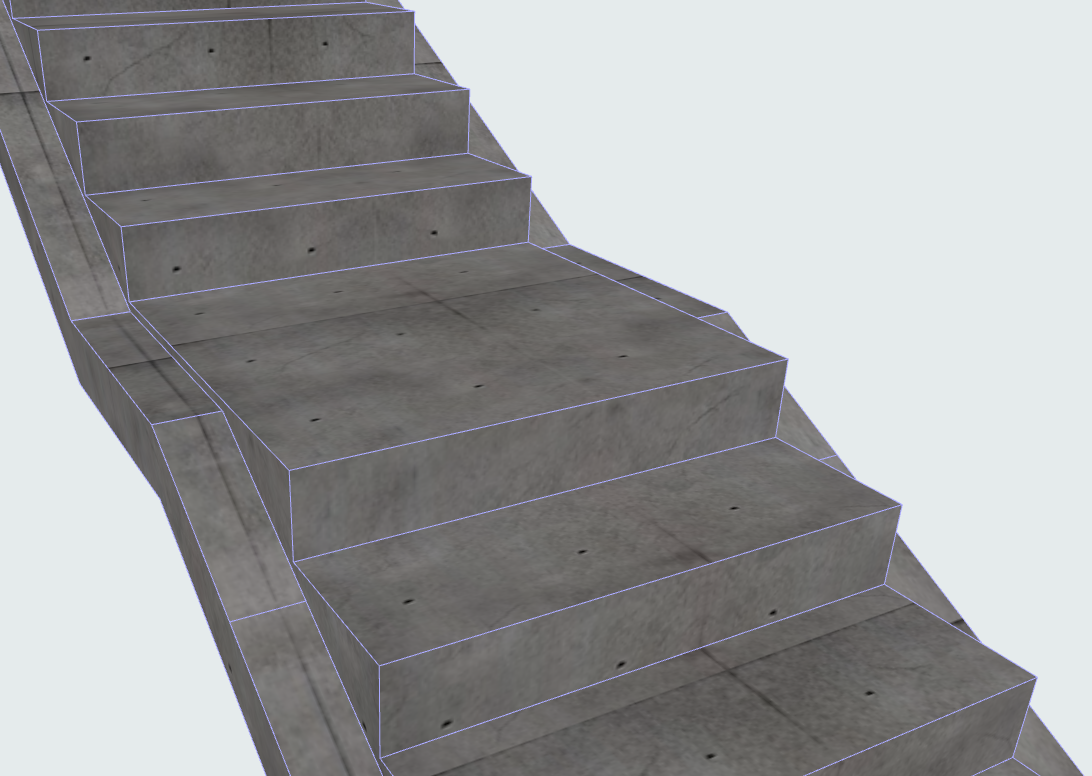
Monolithic Flight and Landing Structures
These settings are available if you chose a Monolithic Structure type for the Flight and/or Landing.
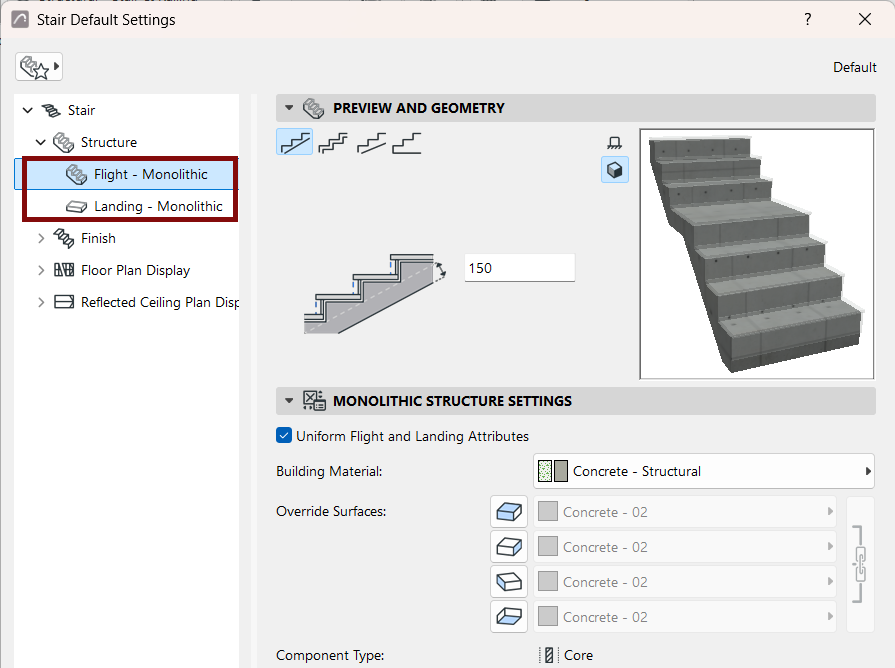
Monolithic Flight Structure: Choose Shape
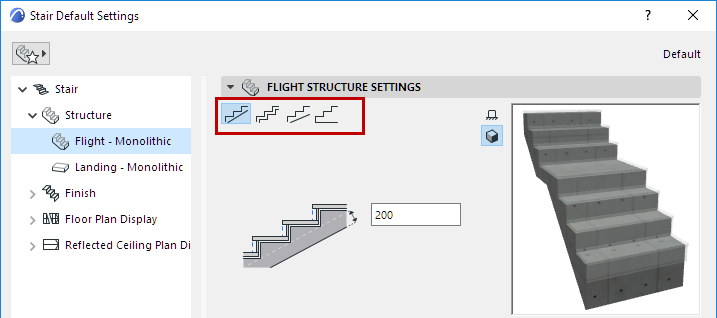
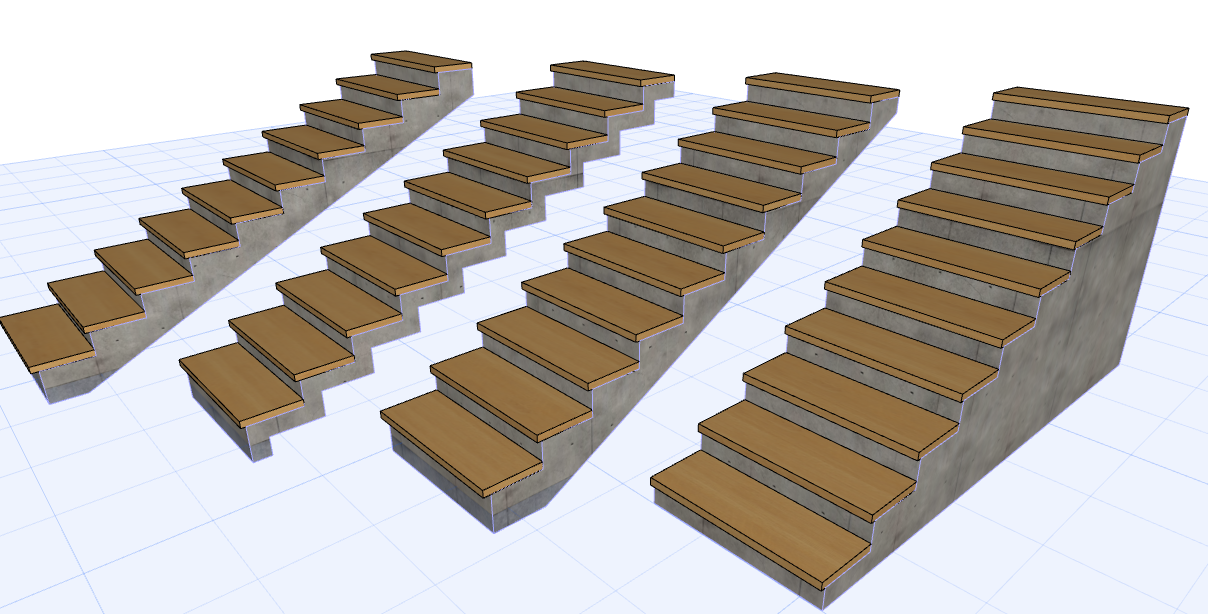
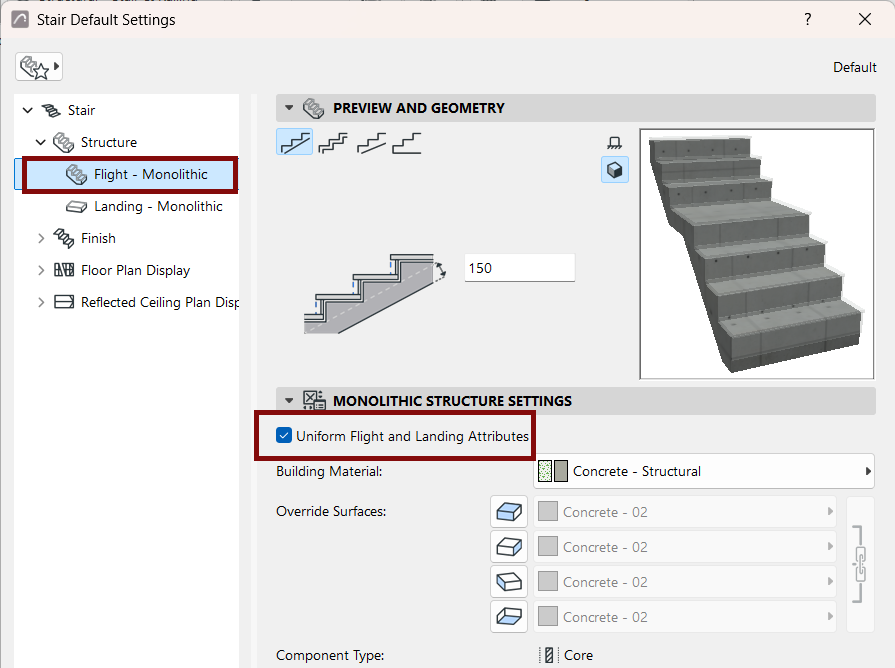
Use the four buttons to choose a shape for the bottom of a Monolithic flight. From left:
Below, enter values for the thickness/offset variables as applicable. Note the feedback in the Preview window.
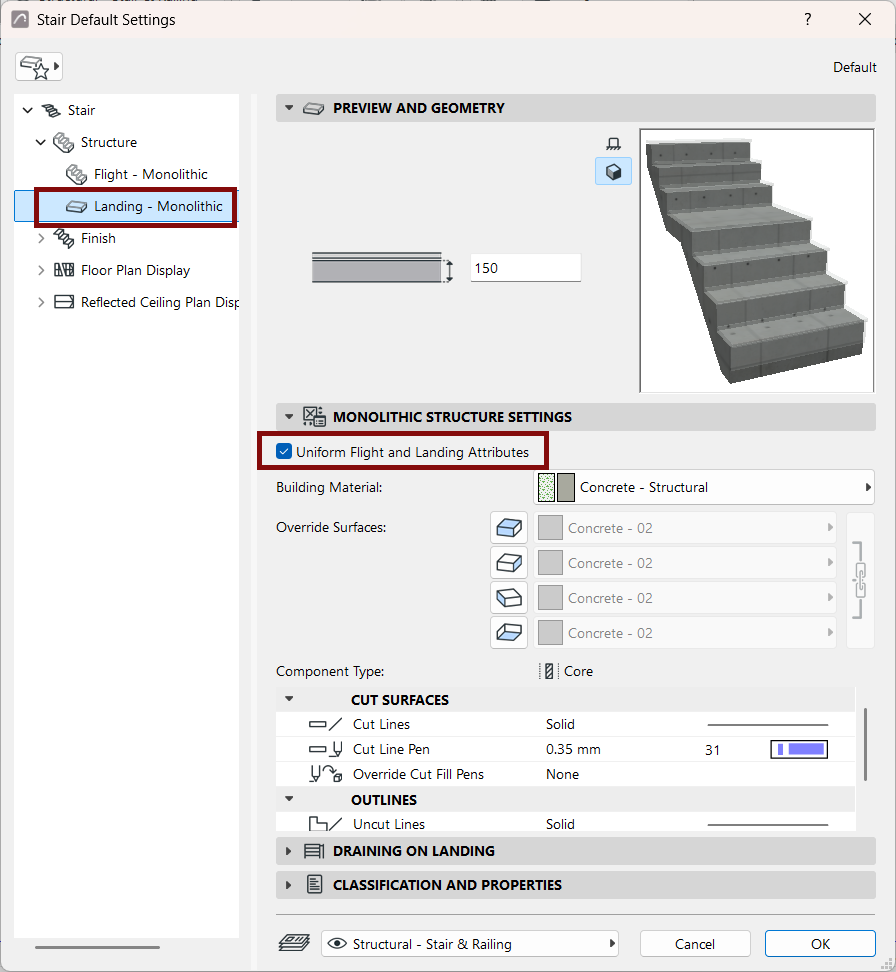
Use this panel to set attributes, including Building Material, for the Monolithic Flight/Monolithic Landing.
The Component type for a Monolithic stair structure is always "Core". This is relevant for Partial Structure Display in 3D views, where you can choose display or hide elements based on their component type.
Check Uniform Flight and Landing Attributes to apply the same attributes to both Monolithic structures (Flight and Landing).
Draining on Flight/Draining on Landing
This panel is available for Monolithic structures only.
Check Draining to place a Draining on the left and/or right side of the Stair structure (available for both Flight and Landing).
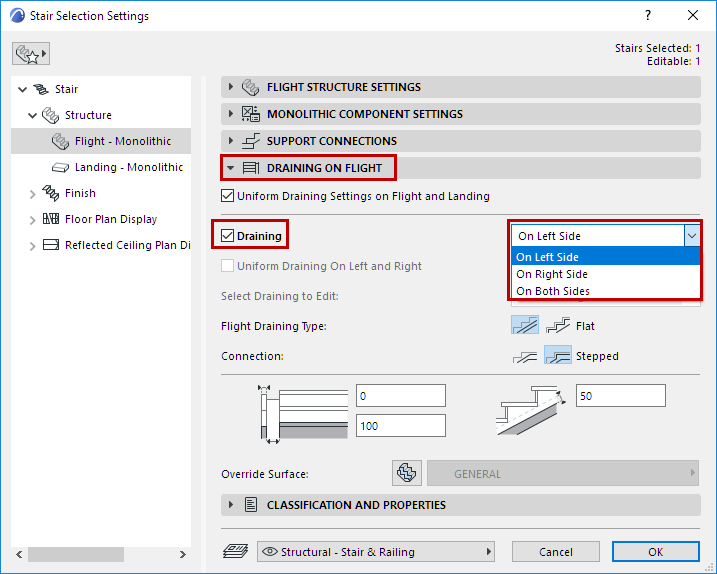
Check Uniform Draining Settings on Flight and Landing to apply settings to both Stair structures.
For Draining on Flight:
- Choose Draining Type (Flat or Stepped) for both Flight and Connections. This setting will be used for the Draining on Landing, if any.
Set Draining width/depth values as applicable, and an optional offset.
If needed, apply a Surface override to the Draining.