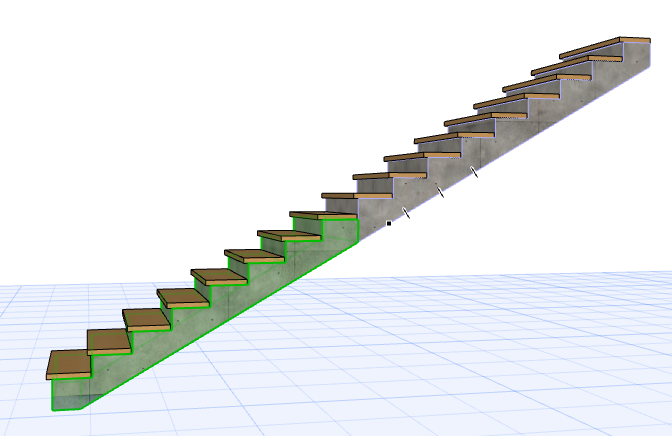
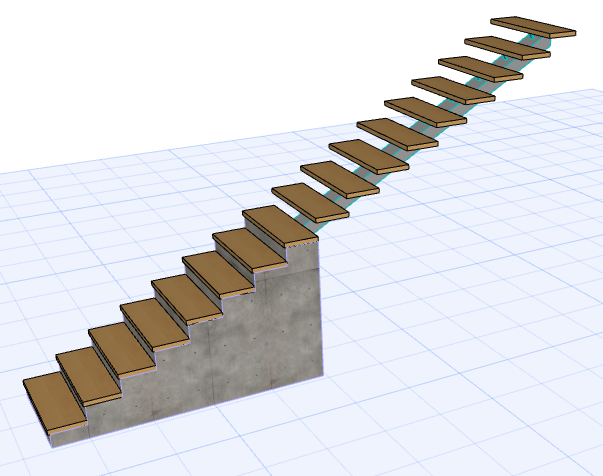
Split Stair Structure
Use this function to obtain multiple Structure types for a single Stair flight.
This command is available in Edit mode, in the 3D window only:
- Select the Stair in the 3D window.
- Enter Edit mode.
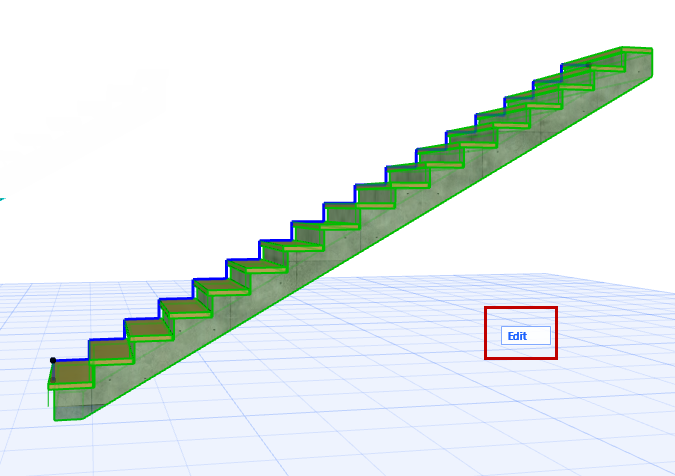
- Select the Flight structure. (See Select Stair Component for Editing.)
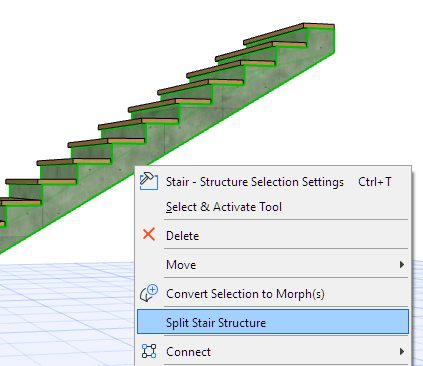
- From the context menu, choose Split
Stair Structure.
- Based on the on-screen feedback, drag the
cursor and click to split the Structure at the desired point. (The split always occurs at a
Riser.)
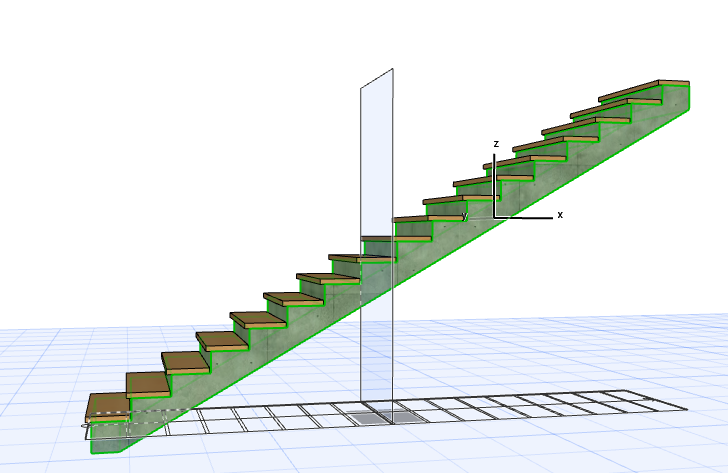
- Proceed to select and customize each part
of the structure separately, as needed. Split the structure as many times as needed.