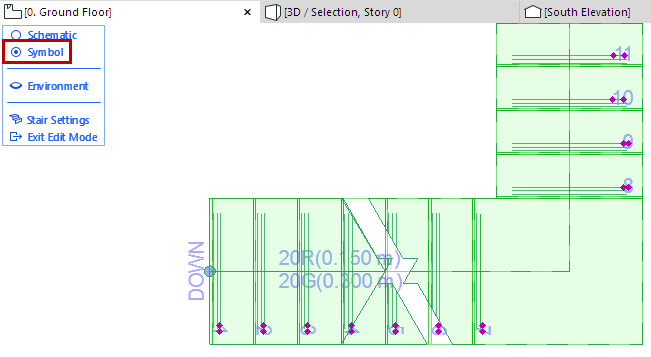
Edit Stair Symbol Components Graphically
Use Edit mode to edit the Stair’s symbolic components graphically, after selecting the component in Edit mode (Symbol view).
For example:
Edit Break Mark Symbol
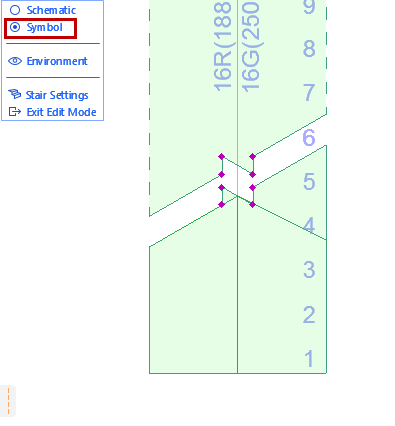
Edit Walking Line Arrow
To edit arrow endpoints graphically in Edit mode, you must be using a Custom symbol type.
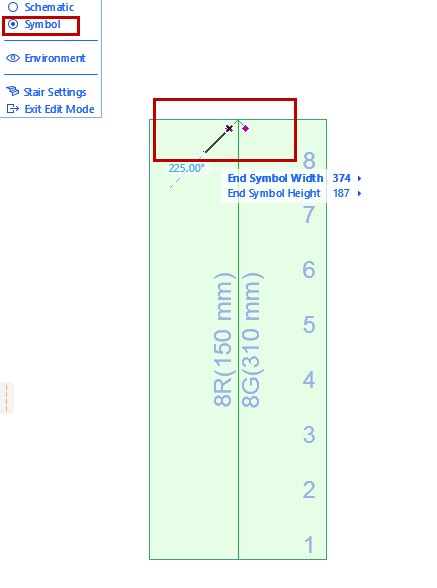
Choose the Walking Line End Symbol in the Floor Plan Display or Reflected Ceiling Plan pages of Stair Settings.
Edit Walking Line Symbol Position
Make sure you are in Symbol mode, then select and graphically edit the position of the Walking Line symbol.
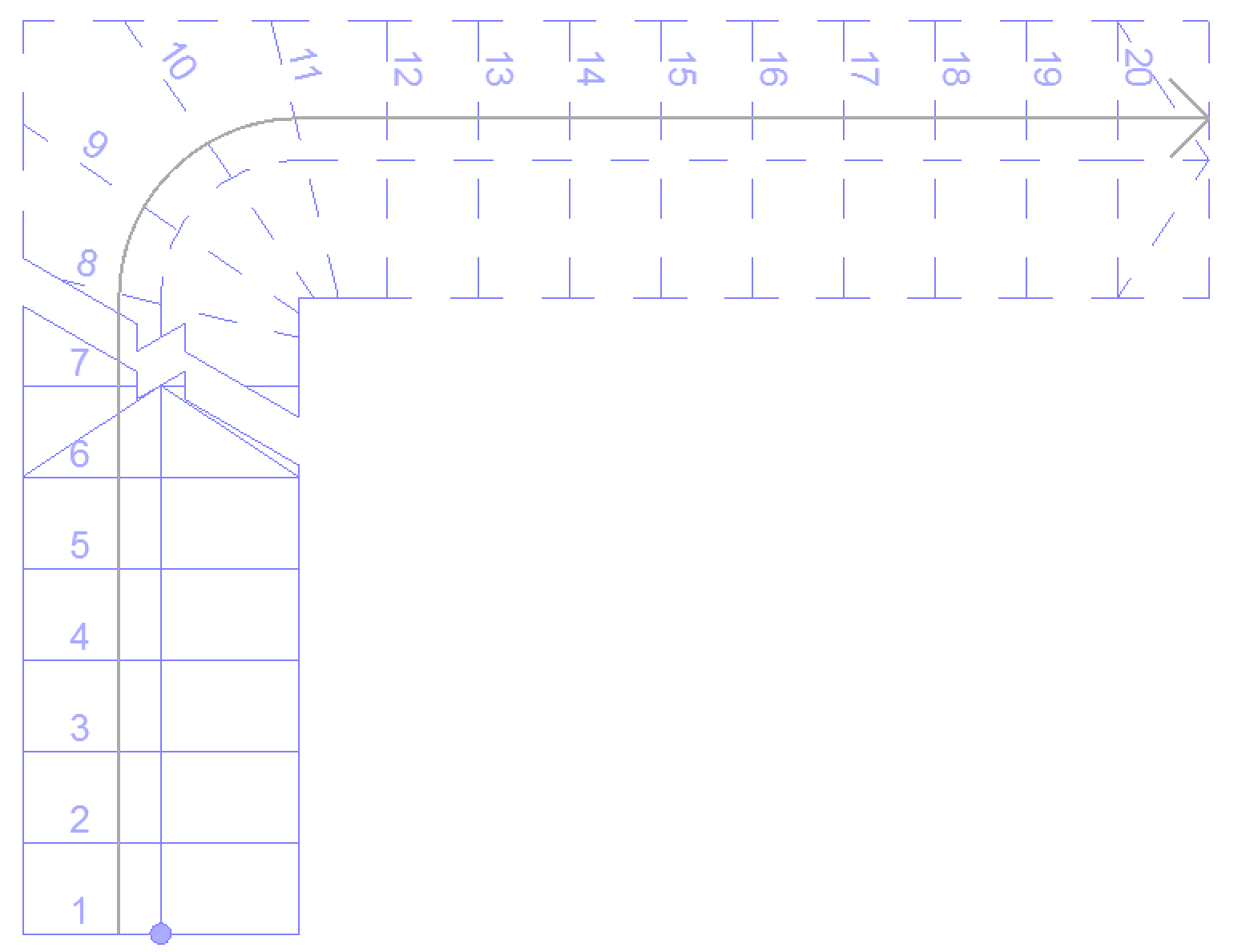
Edit Stair Numbering Items
You can edit (move or rotate) the numbers graphically.