Place Railing: Basic Polyline Input
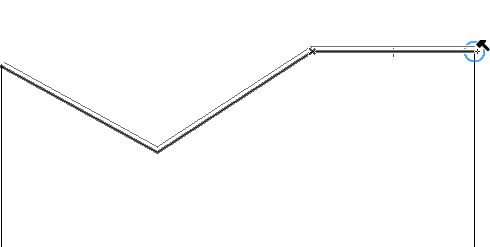
Railing input is similar to polyline input, and consists of Nodes and Segments along a Railing Reference Line.
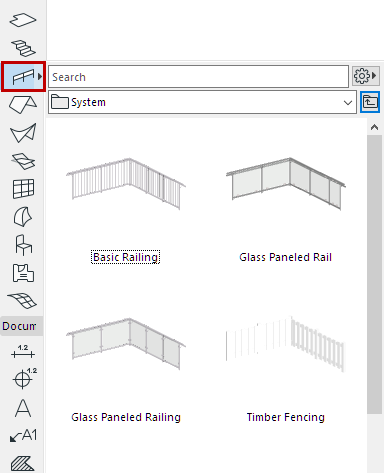
- Activate the Railing Tool from the Toolbox or Info Box. Choose a Favorite, if desired.
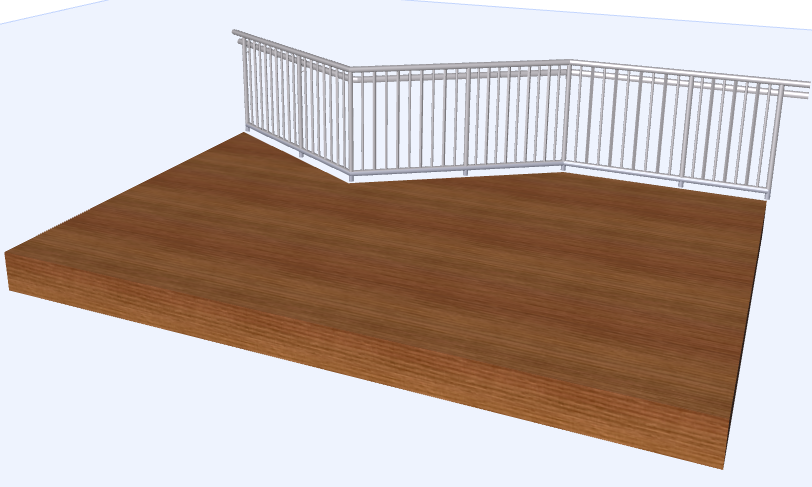
- In the Floor Plan or 3D window, draw a polyline representing the Railing Reference Line. Each click represents a Node.
- Double-click to complete.
See also Place Associative Railing.