Basic Morph Editing: Tube
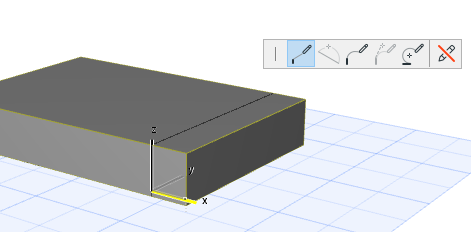
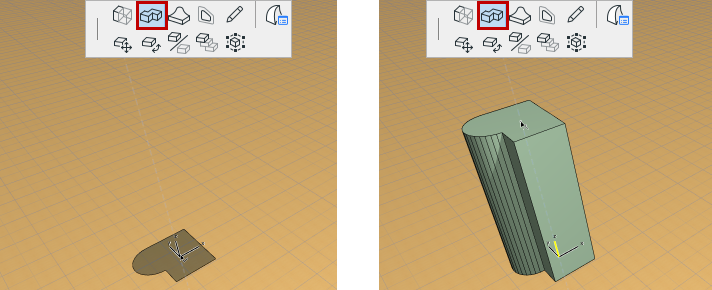
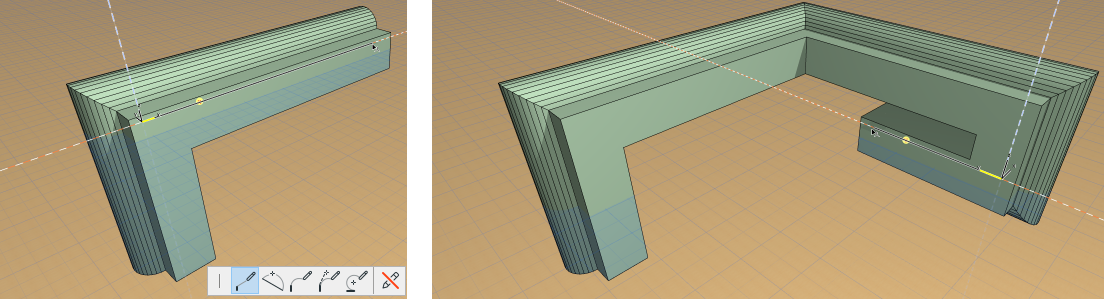
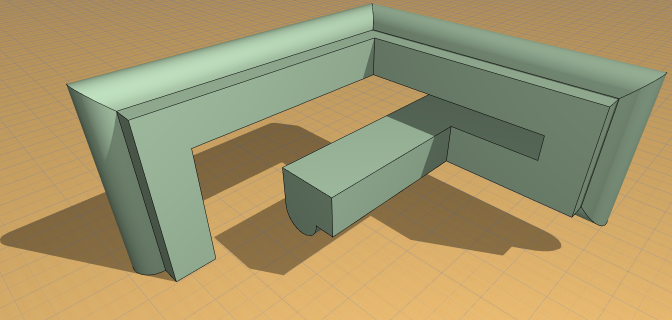
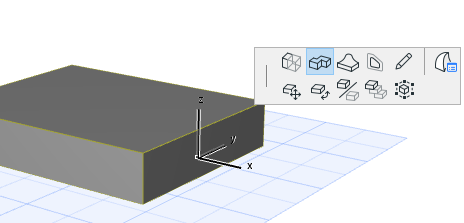
Use the Tube command to extend any Morph face into a tube, changing directions and planes as many times as you like.
- Click anywhere on a Morph face.
- From the pet palette, choose the Tube command.
- Start drawing the Tube, clicking to place each segment in turn.
- Double-click to complete the Tube.
Tube Reference Point
The point you clicked on the Morph face to bring up the pet palette is the reference point of the Tube (the point by which you drag the tube).
However, once you select the Tube command from the pet palette, you can click anywhere else on the face (or its contour) to use that newer clicked point as the reference point: