Basic Morph Editing: Curve Edge
- Select a Morph.
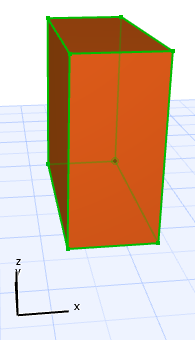
- Click the edge you want to curve to bring up the Pet Palette, and choose “Curve Edge.”
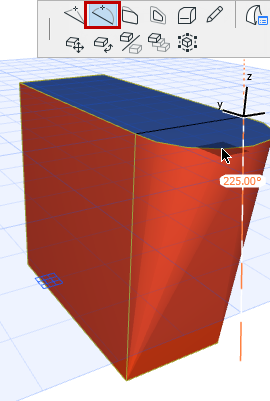
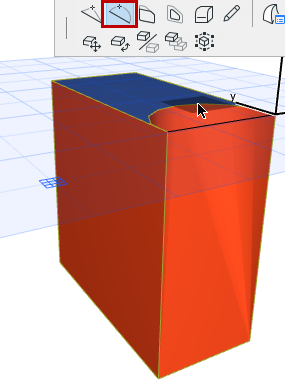
- Drag the cursor, or choose a different editing plane. The clicked edge, plus the adjoining face, will be curved along the chosen editing plane.
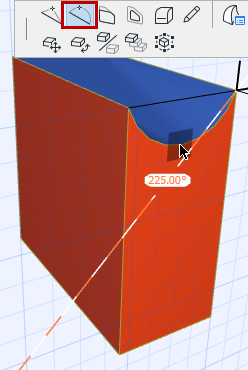
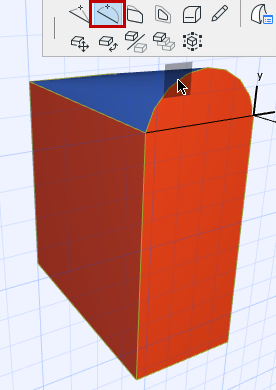
Here, the same operation done on a different Editing Plane: