Basic Morph Editing: Move Morph Sub-Element
Use this command to transform the Morph by dragging it by its sub-element(s).
- Select a sub-element.
- Use the Drag command from the pet palette.
- Move the sub-element (and its connected faces/edges) along the editing plane. Change editing plane if needed.
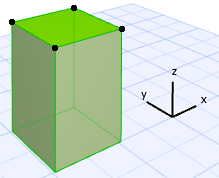
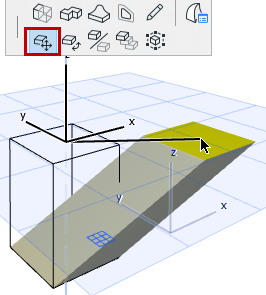
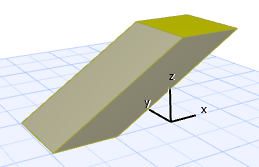
While moving, you can snap to the direction that is perpendicular to the editing plane.