Tapered Column or Segment
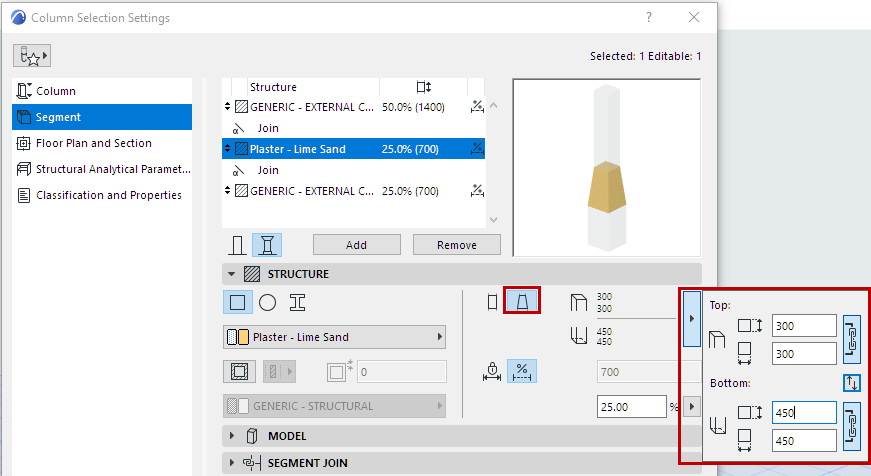
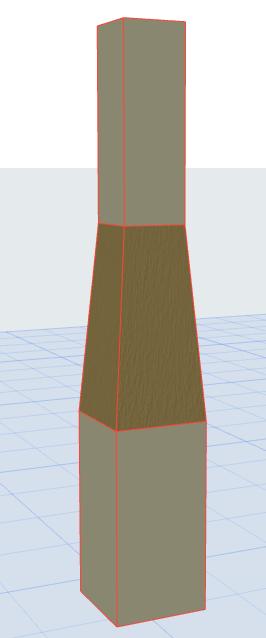
You can created a tapered Column, or taper any single Column segment.
Use the Segment page of Column Settings. (For a multi-segment Column, select the segment to taper.)
You can created a tapered Column, or taper any single Column segment.
Use the Segment page of Column Settings. (For a multi-segment Column, select the segment to taper.)