Ramp Object
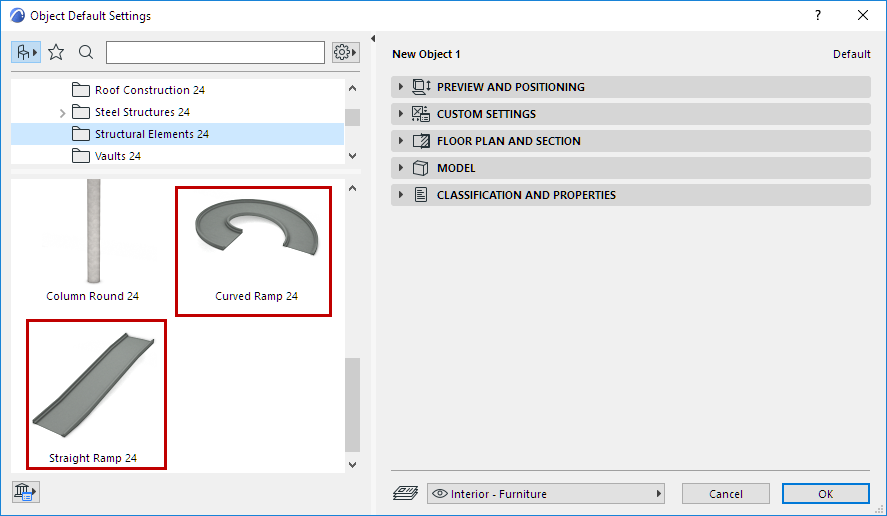
Use parametric Ramp objects (straight and curved) to create standard Ramps displayed in the format you need.
You can define separate Transition segments at the top and bottom of the Ramp.
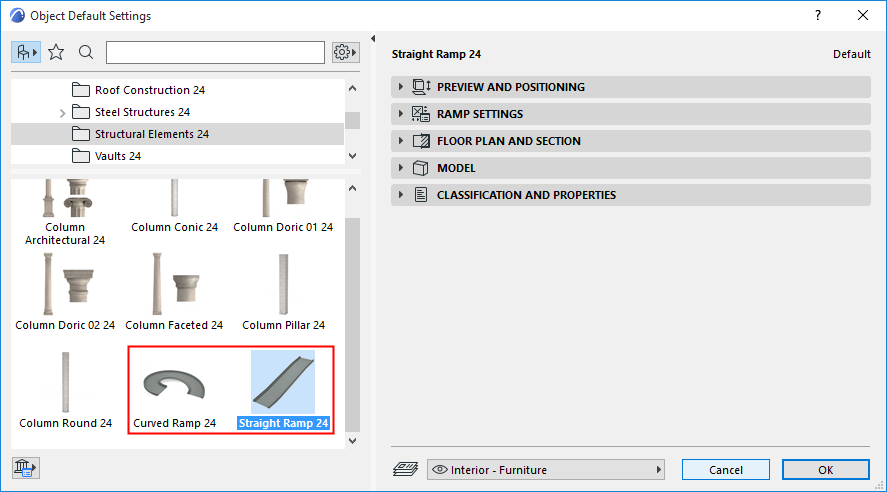
Straight Ramp
Slope
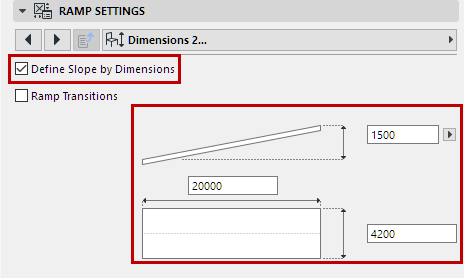
Use the Ramp Settings panel (Dimensions page) to define the slope of the Ramp.
- Enter the slope using either Gradient, Percentage, or Degree
- Alternatively, check Define Slope By Dimensions: then enter Height and Dimension values in the fields below, to automatically calculate the slope.
 |
 |
|
Define Slope Directly |
Define Slope by entering Ramp Length/Height |
Text
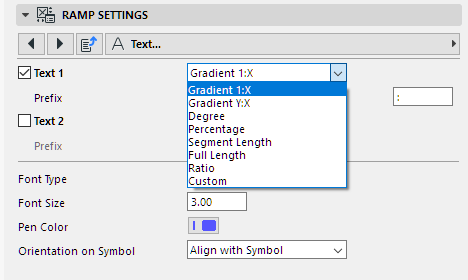
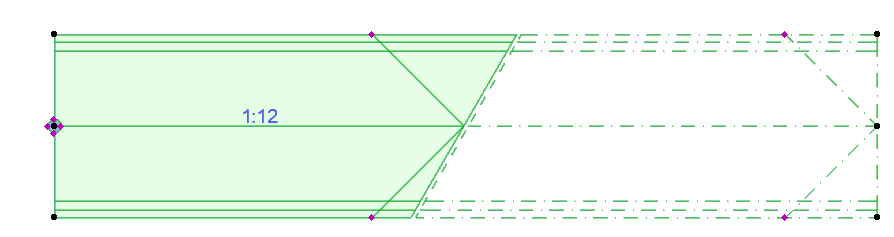
Use the Text page of Ramp Settings to optionally display one or two lines of text on the 2D Ramp, in the format you choose. For a slope displayed e.g. as 1:X, you can use any character or text as the separator.
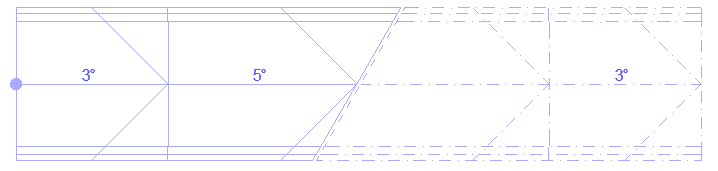
Transitions
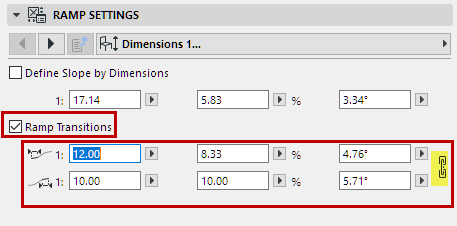
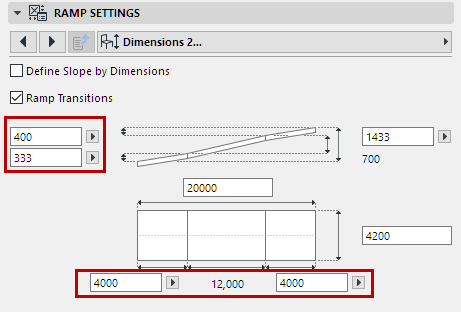
On the Ramp Settings panel (Dimensions 1 and 2 pages):
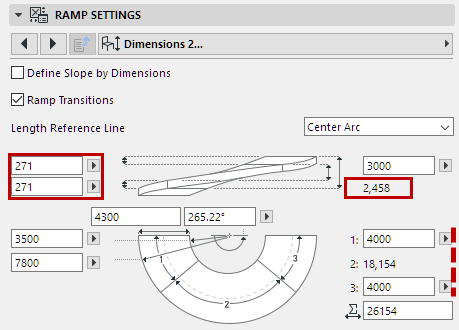
- Check Ramp Transitions to create and define transitional segments at the top and bottom of the Ramp.
- For each segment, define its slope (either directly or by Dimensions). (Click the chain icon to use equal values for both top and bottom transition.)
- Additional dimension fields are available on the Dimensions 2 page: Enter or calculate length and height values for each transition segment.
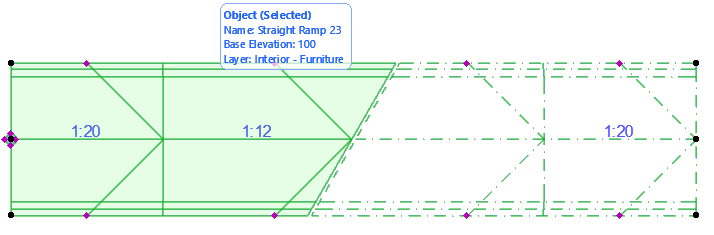 Note: Straight Ramps can be stretched graphically, using the Move Node or the Stretch command of the pet palette. When you stretch, the middle segment is modified (not the transitions).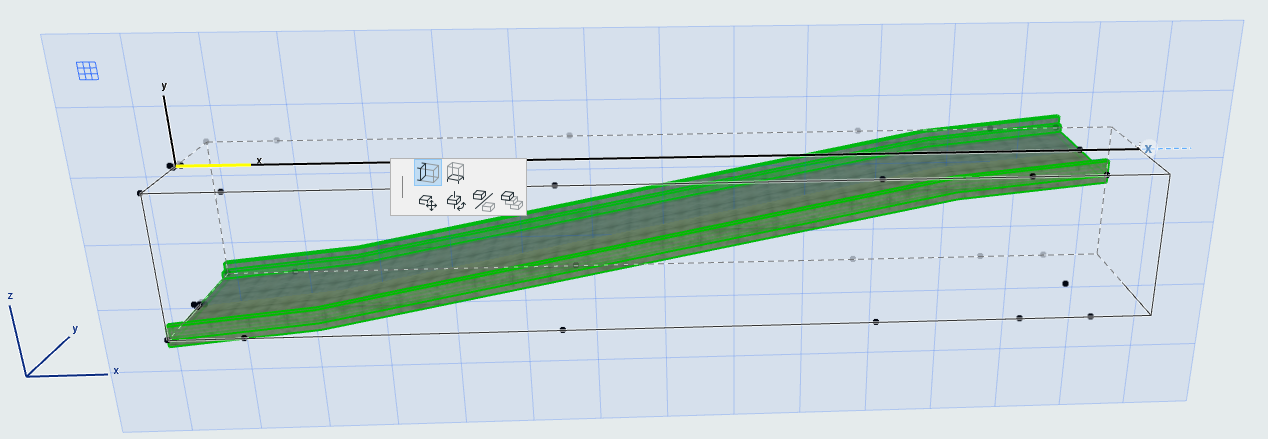
Curved Ramp
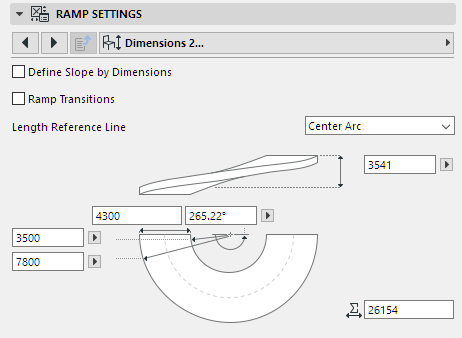
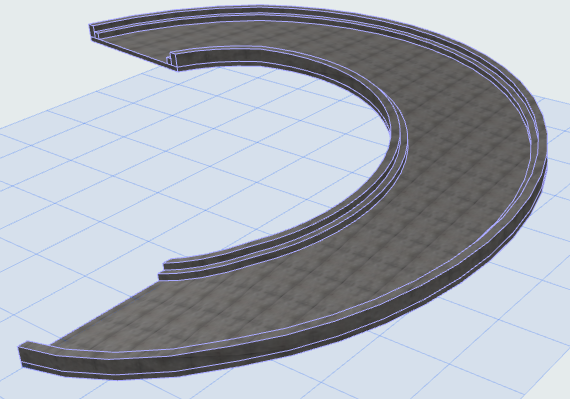
For the Curved Ramp object, additional dimension values are available.