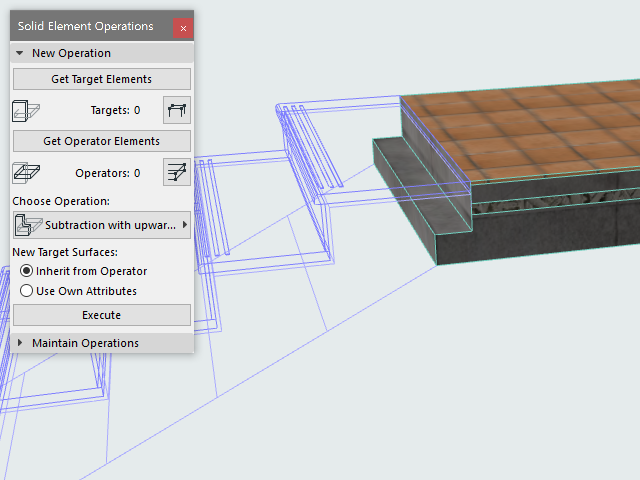
Solid Operation Example
In this example, we will connect a Stair with a Slab.
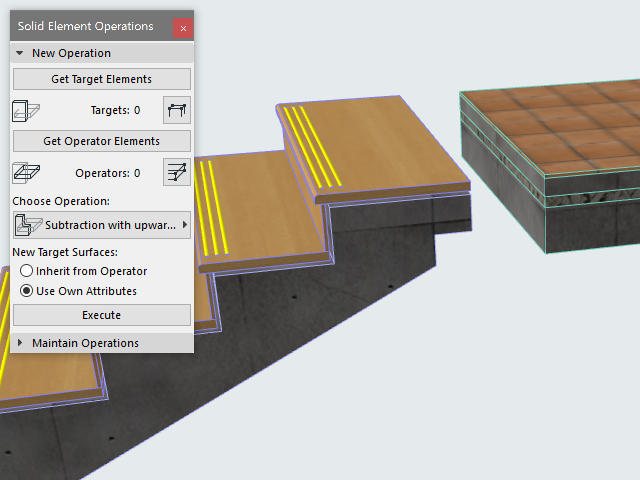
- Open the dialog box using the Design > Solid Element
Operations command (also available from the context menu of either selected
element).
For details on these controls, see Solid Element Operations Palette.
- Collide the two elements.
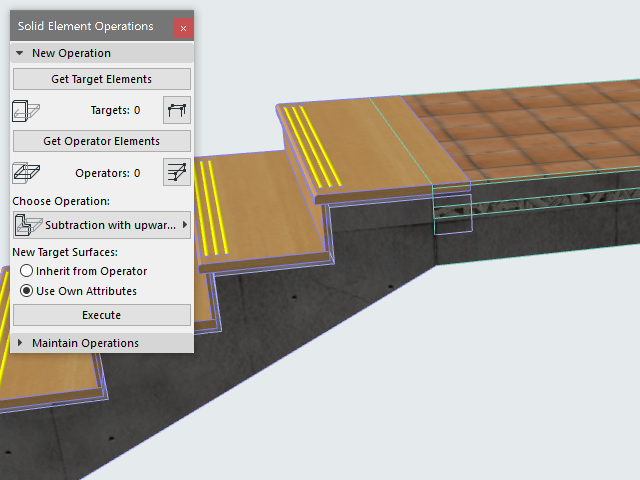
- Select target element: the Slab.
- Click Get Target Elements.
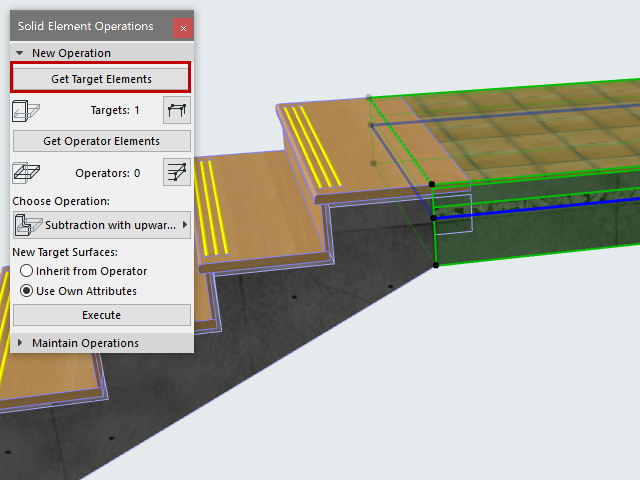
- Deselect the Slab.
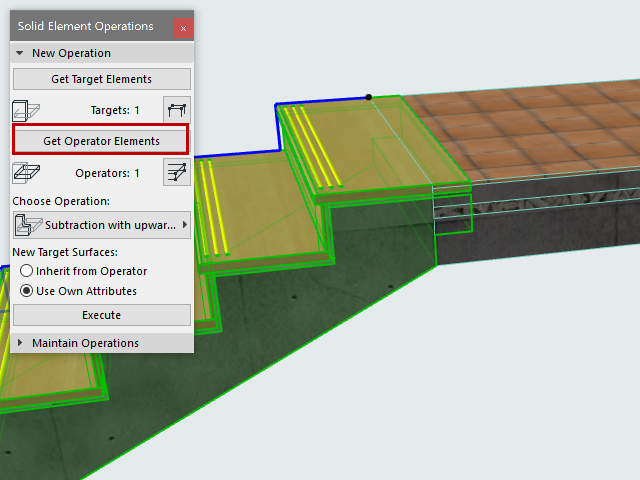
- Select the operator element: the Stair.
- Click Get Operator Elements.
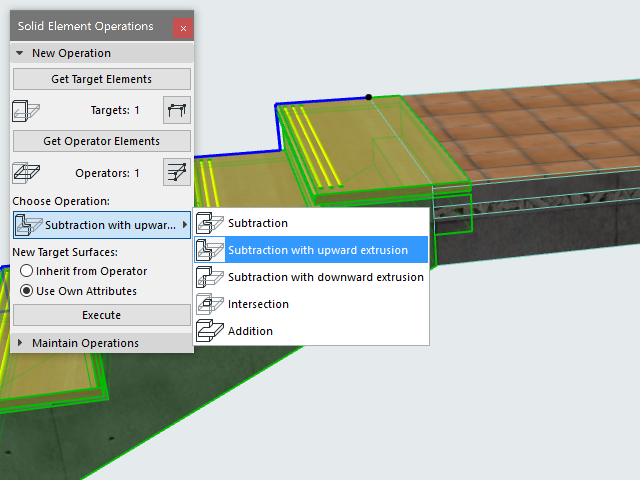
- Choose an operation type: Subtraction with upwards extrusion.
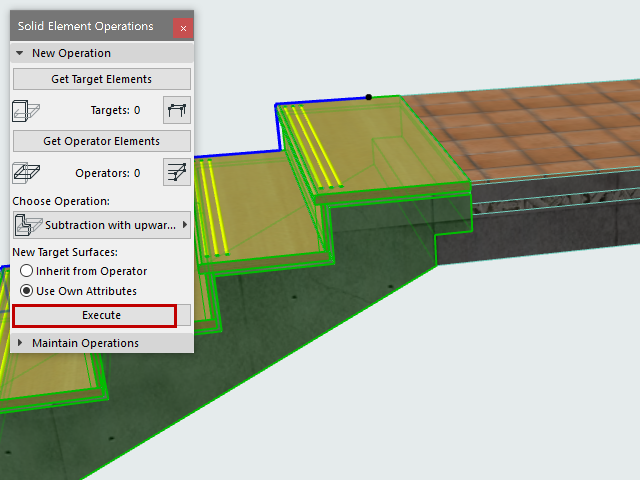
- Click Execute. The Solid Element Operation is complete.
- View the result in 3D.
With the Stair shown in wireframe: