Create a Hole in a Beam
Holes are defined after the Beam has been placed.
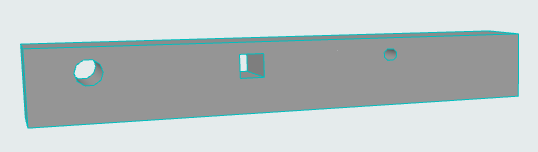
- Select the desired Beam and make sure the Beam tool is active.
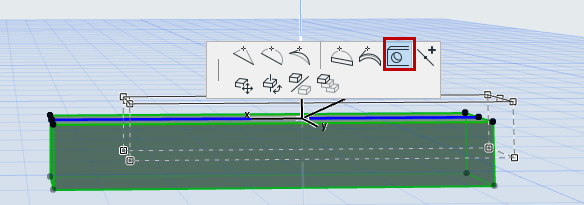
- Click on an edge or the reference axis.
- In the appearing pet palette, click the Hole icon.
- The Beam Hole Settings dialog box appears.
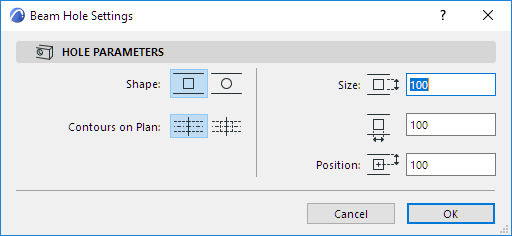
Click OK to apply the beam hole settings; the Hole will immediately appear in the Beam.