Intersect Single-plane Roofs
You may need to adjust Single-plane roof panes to each other.

To have these two roof planes intersect:
Select one of the Roofs on the Floor Plan, and Ctrl-click (Windows) or Cmd-click (Mac) the ridge line of the other.
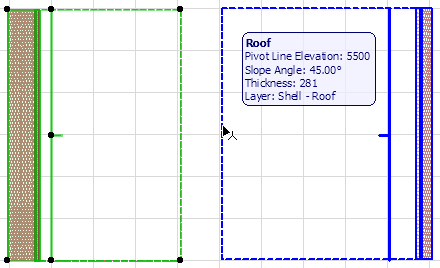
Now select the other roof plane and Ctrl-click (Windows) or Cmd-click (Mac) the ridge line of the lower one.
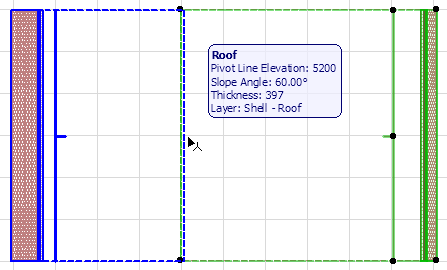
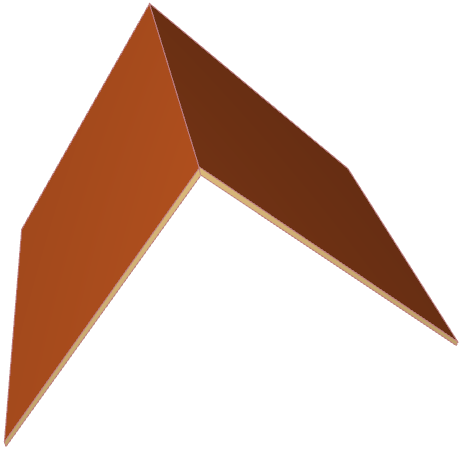
The two faces have been adjusted to each other.
See also Cropping with a Remote Roof.