Example 4: Calculate a Quantity and Round Up
Round up a calculated quantity to conform to standard material (e.g. brick) size
- Determine the number of bricks you need to order (by rounding up to the next whole number)
- The standard size of a brick (IS Standard) is 190 mm ×90 mm ×90 mm
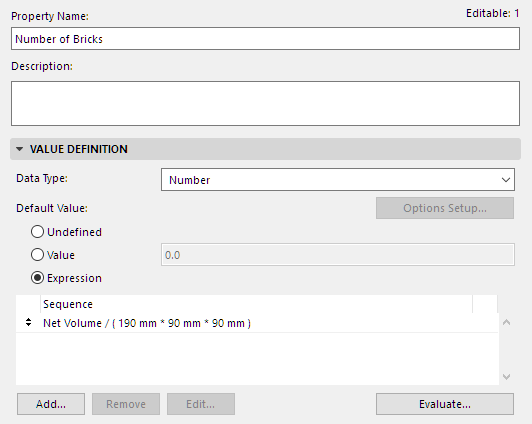
- Create a Property called “Number of Bricks”.
- Use an expression to find the number of bricks by dividing the element’s Net Volume by the standard brick volume. (A volume divided by a volume results in a Number.)
- Create another property called “Number of Bricks to order.”
- This property rounds up the “Number of Bricks” property (created above) to a whole number. Use the
MROUNDUPfunction for this purpose.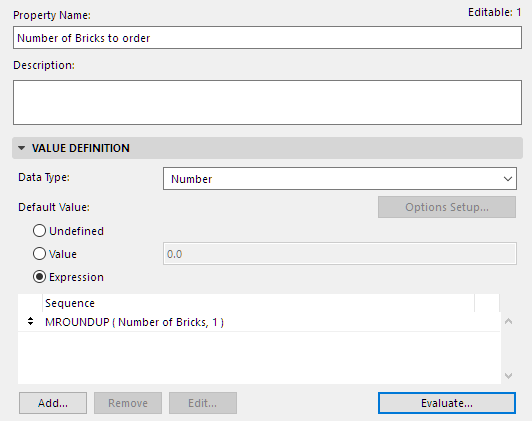
See
Round Up to Multiple [MROUNDUP]for information on this function’s arguments and data types.