Check Library Part
You cannot save the current Library Part until you check it.
In the Check and Save Library Part panel, press Check.
The check is run on the Design Area of the current Library Part Name.
Review Issues
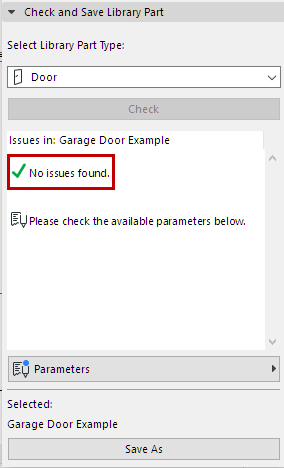
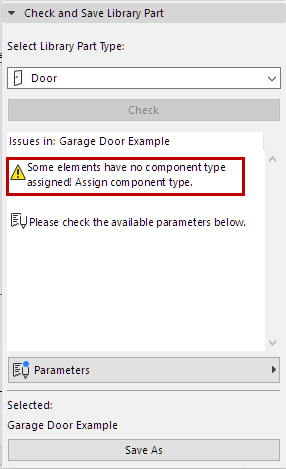
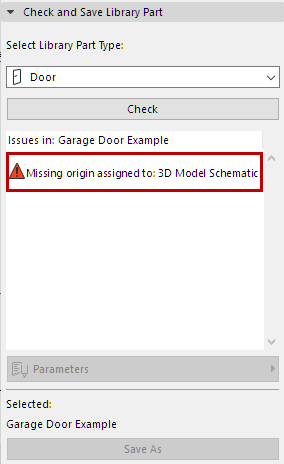
Review the displayed issues (alerts, warnings) that could affect or prevent saving of Library Part. Correct any issues that require it.
Adjust Parameters and Attributes
Once the Check produces no warnings that require fixing, the Parameters pop-up is available. Here, you see the parameters and attributes that will be saved with the current Library Part.
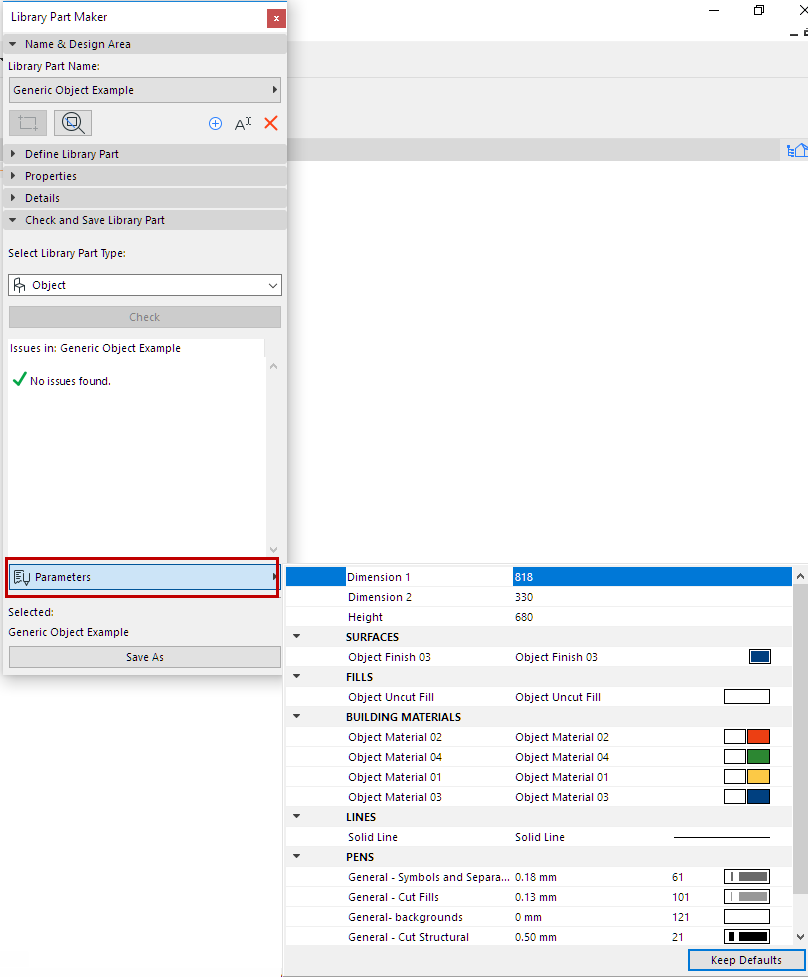
The attributes (line types, pens, fills, surfaces, building materials) are those used in the 2D symbols and 3D models of the Design Area. The parameter names are automatically derived from the name of the current project Attributes.
You can edit the names and values here. The Design Area will remember the parameter changes you make.