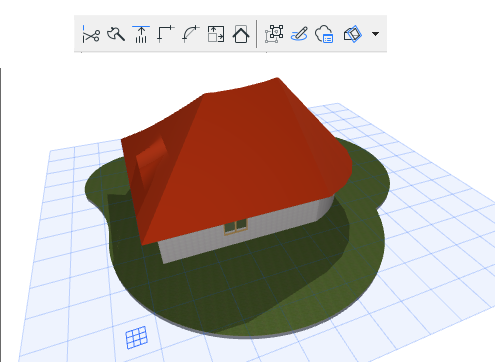
Do one of the following:
- Click the 3D Cutaway toggle on the Standard Toolbar.

- Use the following toggle command: View > Elements in 3D View > 3D Cutaway
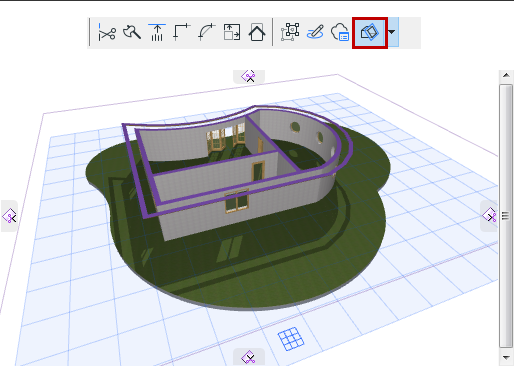
When 3D Cutaway is on (show), you see the cutaway view of your model, plus the 3D Cutaway interface.
When it is off, you see the full model.