To navigate among stories, do one of the following:
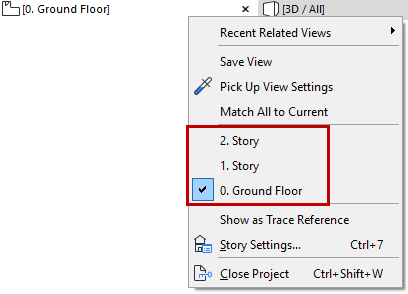
In the Tab bar, click the context menu of the Floor Plan to access a list of stories
In the Tab bar, use the Project Map of the pop-up Navigator (at the right edge of the Tab bar)
In the Navigator Project Map, double-click the Story you wish to open
Activate a story from the Story Settings dialog box (Design > Story Settings, or right-click any story from the Project Map): Click on its name, then click OK to close the dialog box and display the selected story on the Floor Plan
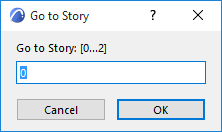
Use predefined keyboard shortcuts to jump among stories
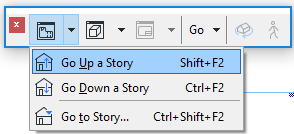
Use the Mini-Navigator Toolbar
Story Shortcuts in Mini-Navigator Toolbar
Use the story shortcuts located in the predefined “Mini-Navigator” toolbar.
If you attempt to go to a story that does not exist, the Create New Story dialog box appears.