For each field in a merged schedule, define which value to display.
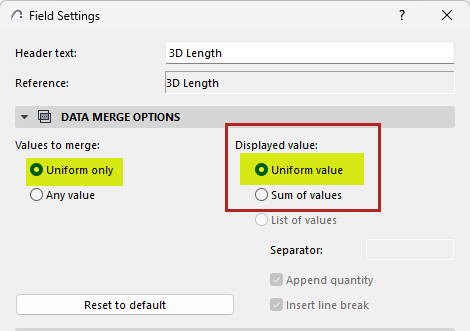
I want to show the single uniform value:
This option is relevant if a merged field contains uniform values.
- For the merged field, open Field Settings:
- Click the Field icon from inside the cell, or the Field Settings button at the top of the schedule
- Under Displayed value, choose Uniform value:
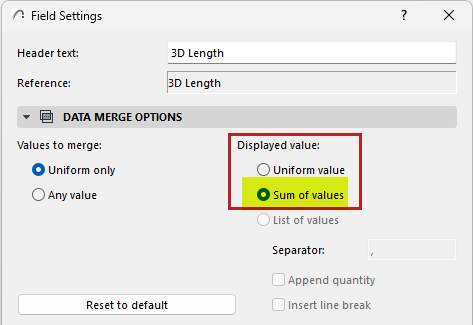
I want to add up the values of the merged field:
- For the merged field, open Field Settings:
- Click the Field icon from inside the cell, or the Field Settings button at the top of the schedule
- Under Displayed value, choose Sum of values:
I want to list each value separately:
- For the merged field, open Field Settings:
- Click the Field icon from inside the cell, or the Field Settings button at the top of the schedule
- Under Displayed value, choose List of values:
- Customize how to display the value list:
- Enter a separator character: e.g. comma, vertical line
- Check Append quantity to show the number of each listed item
- Insert a link break between each listed value