Line Categories
Use the Properties Panel of Line Settings to assign line categories.
Use line categories to fine-tune Graphic Overrides and export settings for lines depending on their category.
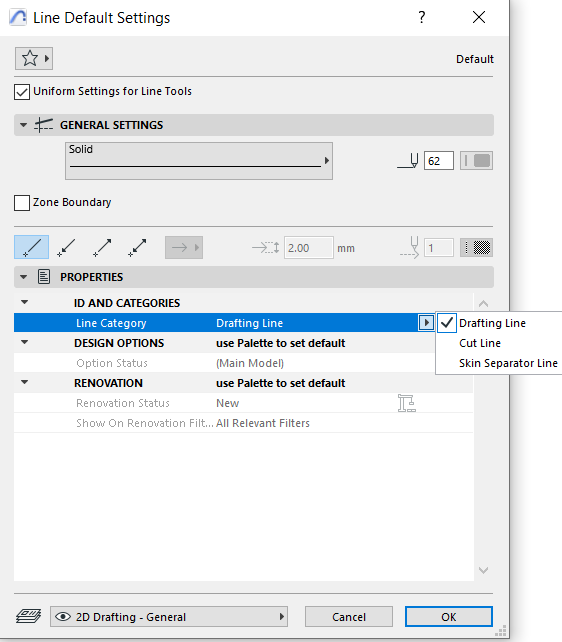
The three line categories: Drafting, Cut, and Skin Separator.
By default:
- All contour lines are “Cut lines”
- All skin separator lines (of composite structures) are “Skin Separators”
- All other lines are “Drafting”
Line categories can be useful
- If you have exploded a composite wall into its constituent lines and fills
- If you draw lines by hand into a 2D window or Section-type window
Assign categories to these lines according to their function in the plan. This way, even hand-drawn lines can be considered Cut lines or Skin Separator lines.
Assigning line categories can also be useful if you save your file in DXF/DWG format: The DXF/DWG Translation Setup dialog box allows you to define a separate Custom Layer onto which Skin Separator lines can be exported.
See Custom Layers.