Place an Independent Label
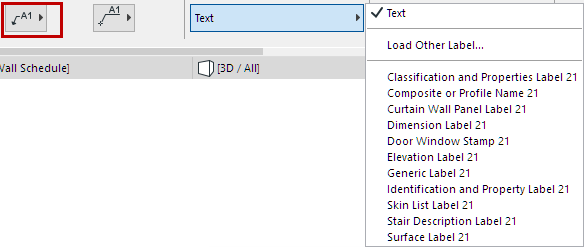
- Choose Independent Label from the pop-up options in the Label Info Box:

- In Label Settings or the Info Box, choose the label type you wish to use. (See also Text/Autotext Labels.)
- Choose a preferred Label Placement Method. (See Label Placement Methods: Simple and Detailed.)
- With the Label Tool active, click anywhere in the workspace to place the independent label.
Convert Associative Label to Independent Label
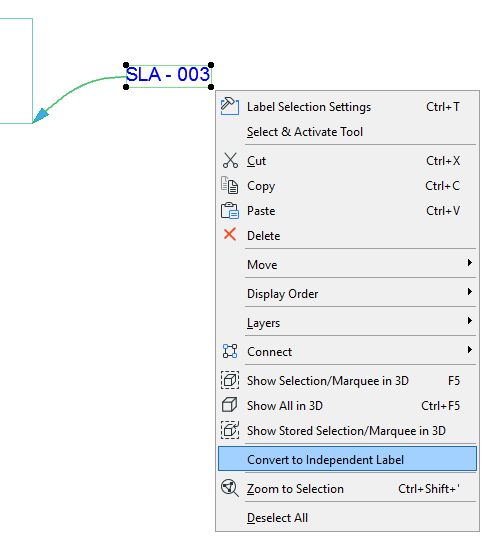
- Select the associative label.
- From the context menu, choose Convert to Independent Label.