Editing Commands in Text-Type Windows
Text-type windows include all Listing windows created with the Calculation function, GDL script windows, Project Notes, and Report windows.
Only a single editing step can be undone/redone in a text-type window.
When a text-type Window is active, most of the Edit menu commands change in order to provide you with basic word processing features.
The Text Style command opens a dialog box determining how your text will look both on screen and for printing.
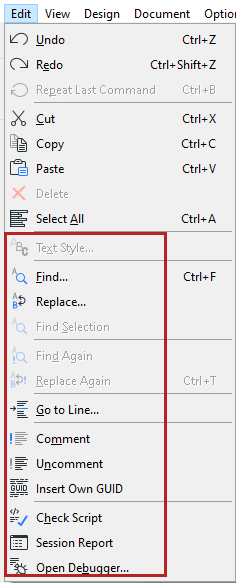
The commands in the bottom section apply to GDL scripts, and are active only if a GDL script window is active.
For more information, see Script Windows.