Design Options Manager
Use Design Options Manager to rearrange, combine, and merge Options.
Open Design Option Manager
Use one of the following:
- Document > Design Options > Design Option Manager
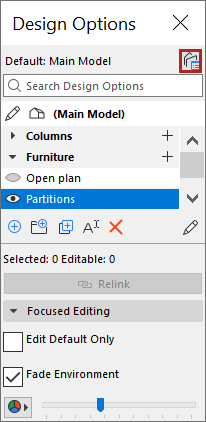
- Click the Design Option Manager button from
- Quick Options Bar at the bottom of the window
- Design Options palette

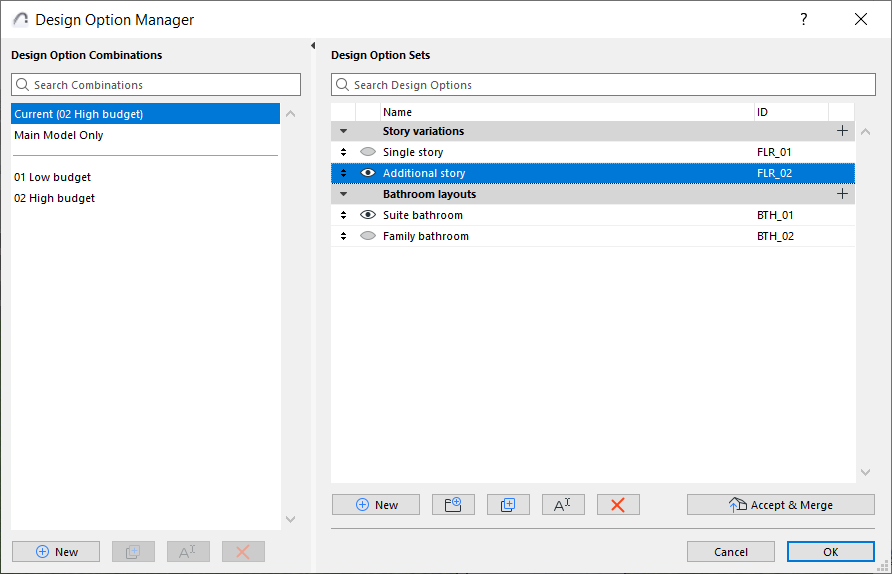
The left side lists Combinations, and the right side lists Design Option Sets and their Options.
Drag and drop Options among Sets
In Design Options Manager: Drag and drop one or more Options among different Sets, or change their order.