Comparing Design Options

Option Combinations are a view-based setting. Each view has an associated Design Option Combination. (See Save Design Option Combination in a view.)

To compare different Design Options, use the program functions that let you compare views. For example:
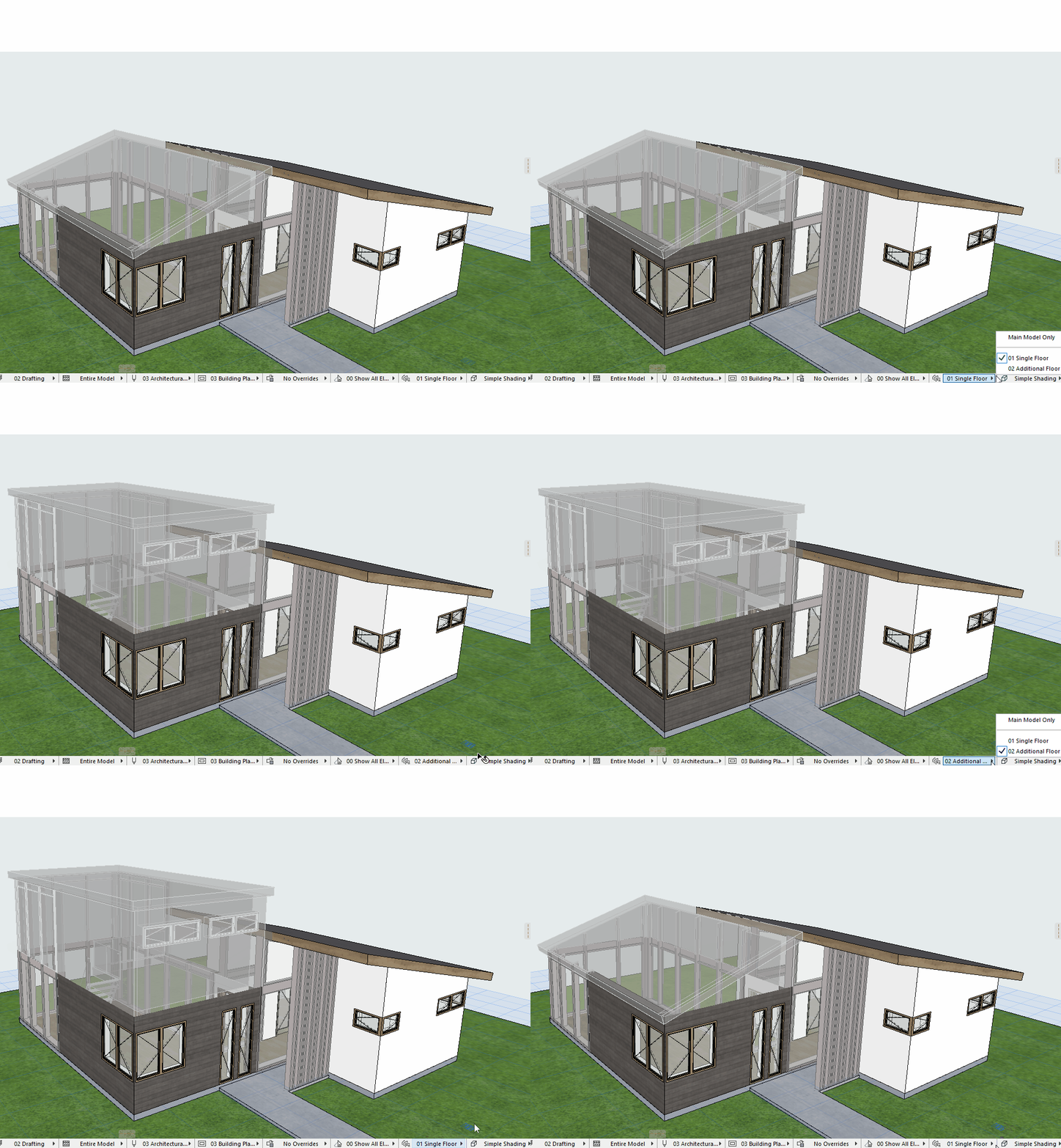
  • In the model itself: Use the Quick Options bar to switch among saved Option Combinations

    SwitchCombosDO.gif
  • Place saved views having different Option Combinations side by side on Layouts
  • Compare two views using Trace and Reference
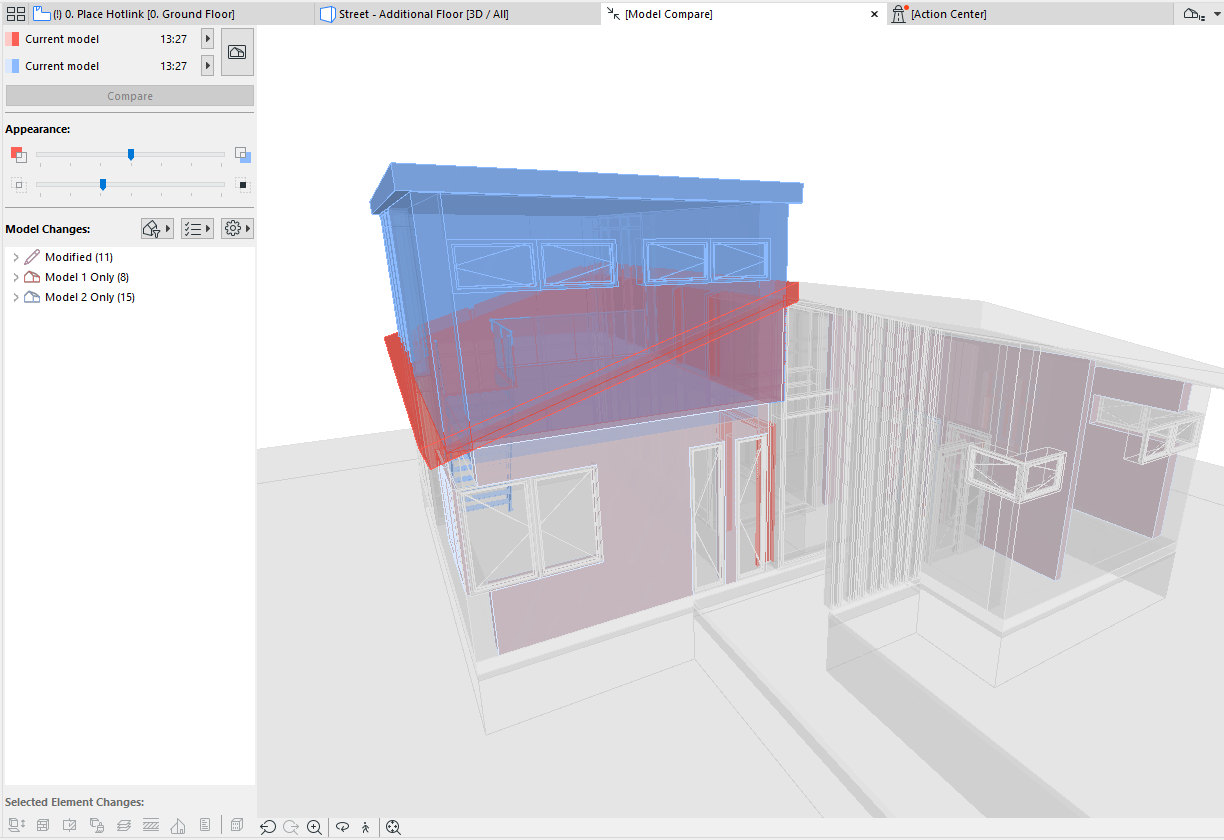
  • Use Model Compare to see the difference between any two 3D views

    ModelCompareOptions.png