Focused editing
These functions, on the Design Options palette, help you edit exactly the right thing while you are creating your Options.
Edit Default Only
Check this to make sure you only modify elements that are part of the default Option.
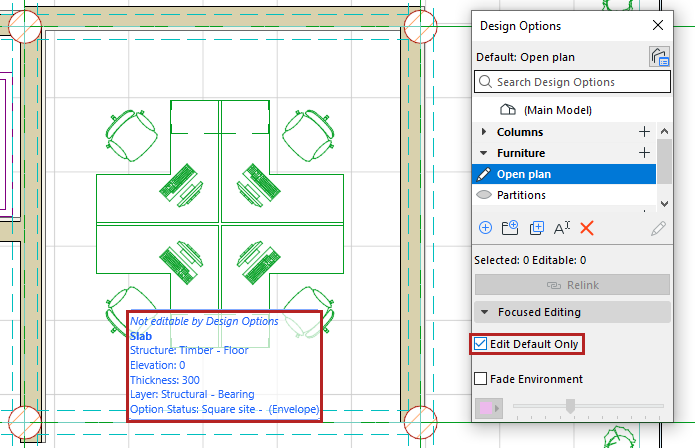
For example, if you are working on your “Open plan” furniture Option, you set that Option as the default, so all new elements automatically belong to the Open Plan.
If you also check Edit Default Only, then you won’t accidentally modify other parts of the model.
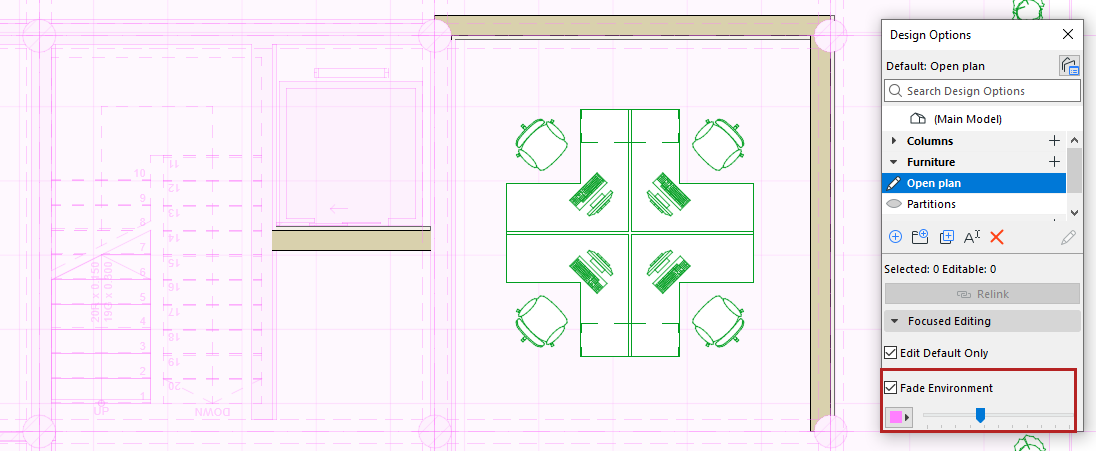
Fade Environment
Fades all model elements that don’t belong to the current default Option. This helps you focus on the Option you are working on.