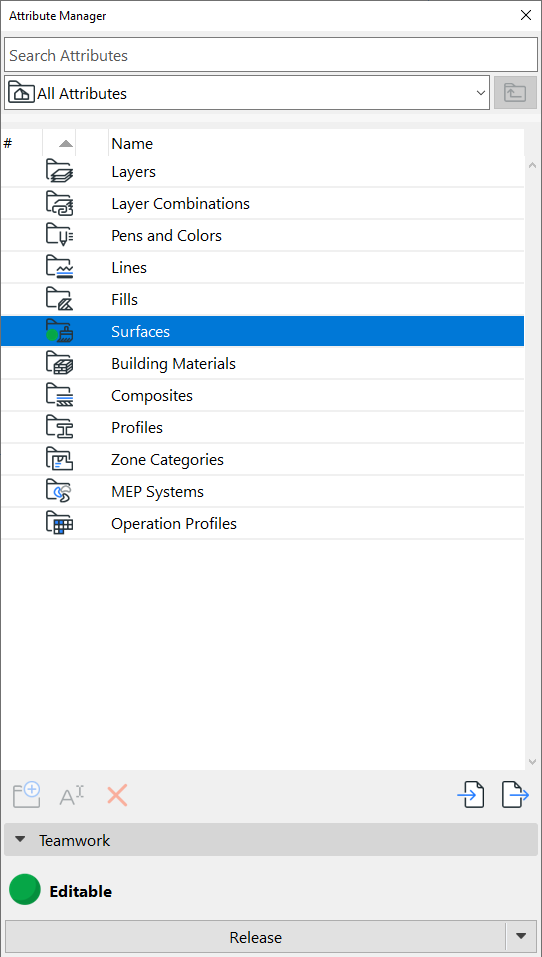
Reservation in Attributes palette; Reserve All Attributes (Teamwork)
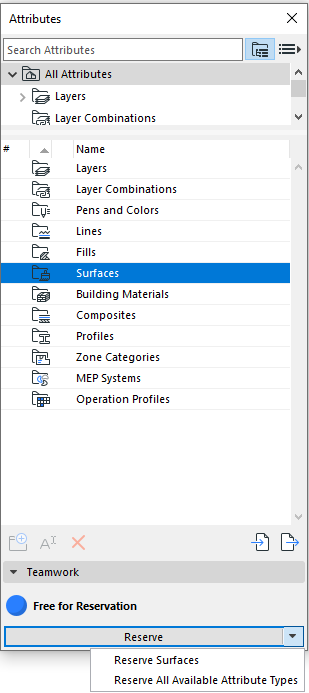
Like other dialog boxes in Teamwork, the Attributes palette has a control light system.
To reserve a particular attribute type:
- Select its folder in the Attributes palette
- Click one of the following commands from the bottom of the dialog:
- Reserve to reserve the corresponding attribute settings dialog.
- Reserve all available attribute types to reserve all available settings dialogs.
Attributes reserved by you display a green control light on their folder in the Attributes palette, as well as on their settings dialog.