Receive and Open Message (Teamwork)
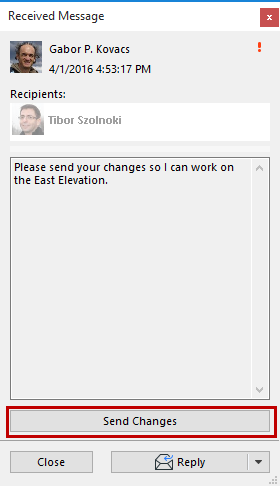
To view a new message and related options, do one of the following:
- Click on the on-screen message alert
- Click the pop-up of the new message in your To-Do list, and choose one of the options:
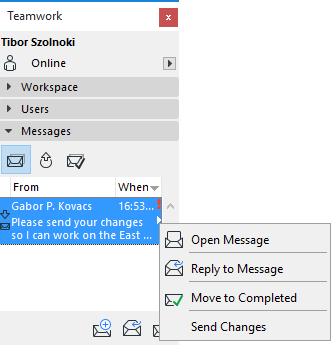
If the sender has included a Task as part of the message, the related command is shown here: Click to complete the Task.
The same options are available if you open the message.