Save Selection in PLN Format
Use this feature to split a model into multiple PLN files, which can act as Hotlink Modules.
For example, you can save the building facade as a separate file from the rest of the building, or save two wings of the building in separate files.
Each separate PLN file retains the full 2D content as displayed in the Navigator - including Layouts, Worksheets, and Details. The two parts of the original model are thus “split”.
(In contrast, saving a selection in .mod format saves model and Floor Plan data only.)
Save Selection as Module
- Open the original model, and select the part you want to save as a separate PLN file.
- Use File > External Content > Save Selection as Module:
- Choose the Solo Project (.pln) format.
- Click Save.
- The project is split. The original PLN file and the saved PLN selection are opened in two separate program instances.The feedback lets you know what is happening.
Use the checkboxes to hotlink the two projects to each other in one step, as described in the following:
Split and Hotlink Model Parts
In this example, the facade of a highrise is selected and saved as a PLN file, and hotlinked with the original tower file.
- Open the model file (Tower).
- Select the facade elements (the Curtain Walls) in Floor Plan or the 3D window.Note: When selecting on Floor Plan, use the Marquee tool’s multistory option to include elements from several stories - see Single Story or All Stories.
- Go to File > External Content > Save Selection as Module to open the following dialog box:
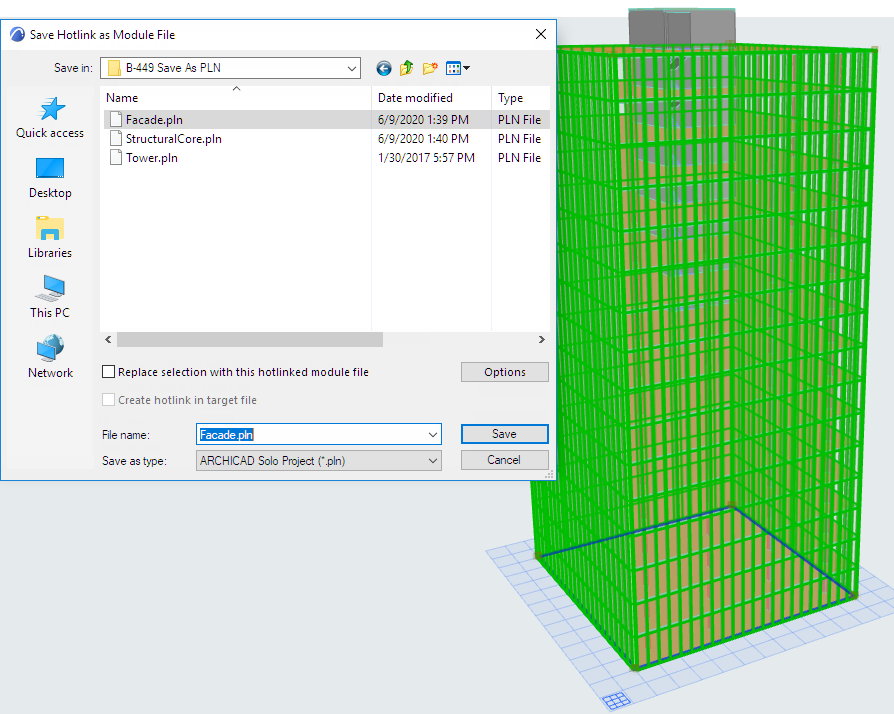
- Enter or choose a file name.
- Choose the Solo Project (.pln) format.
- Check both options:
- Click Save.
- The program splits the project and opens the saved selection (the Facade) in a second instance.
- Now you have two projects running: the Tower (with the Facade hotlinked in), and the Facade (with the Tower hotlinked in).
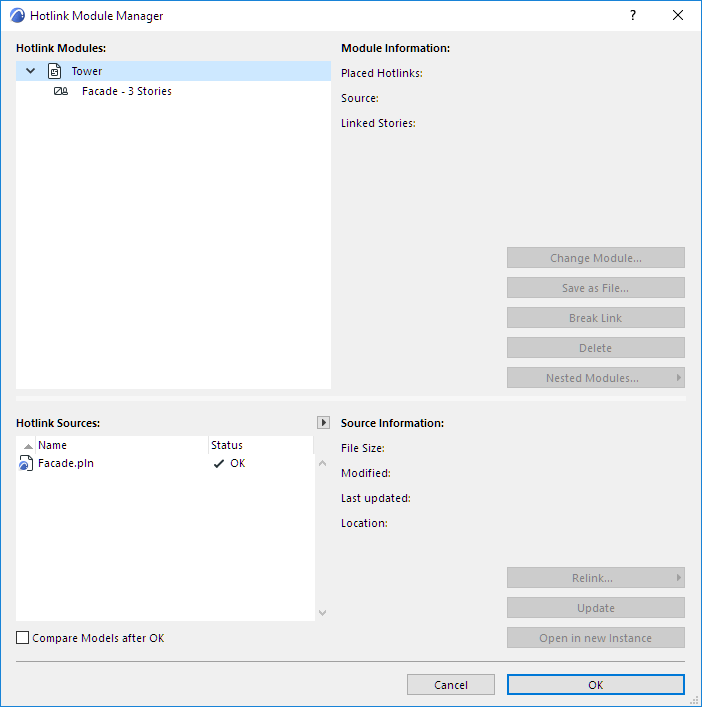
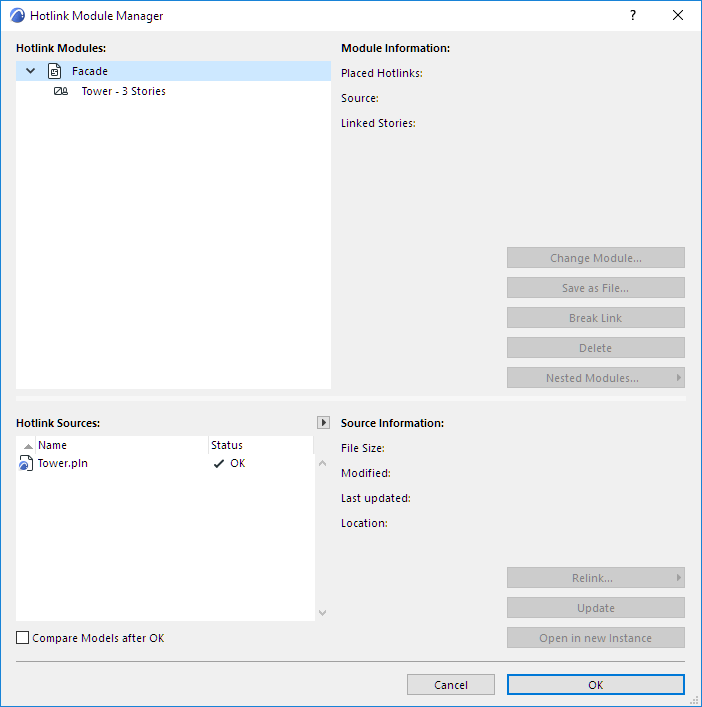
You can save any number of PLN selections from the original model and hotlink them automatically to the original model.
However, if you also want to hotlink the resulting “secondary” PLN files to each other, you must do so manually.