Example: Headroom Collision Check
We will check for Headroom collision in this 3D view of the model.
Note: The headroom visibility is turned on at Document
> Model View > Model View Options (Stair Options).
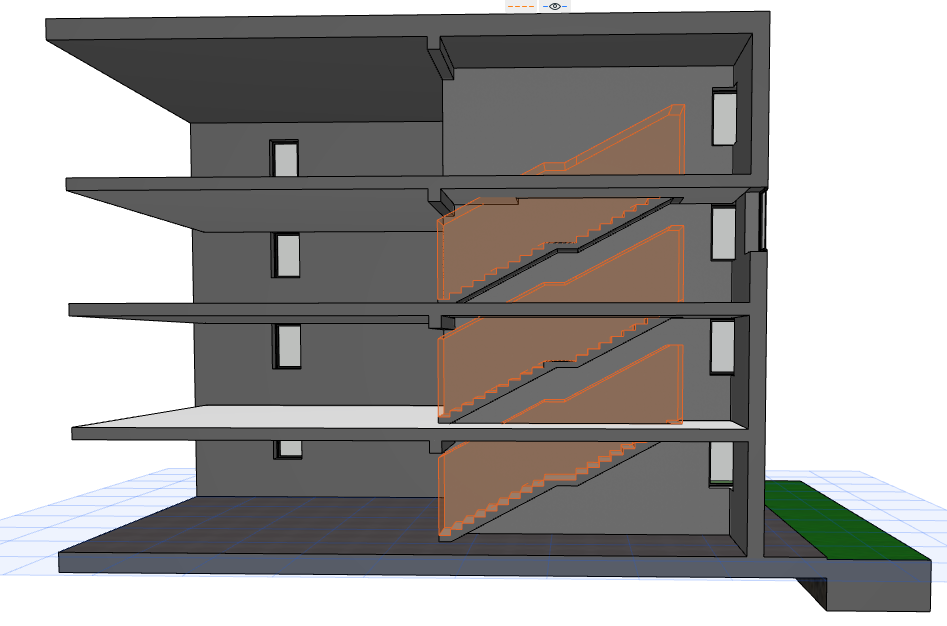
- Go to Design > Model Check > Collision Detection.
- In the dialog box, define the collision criteria.
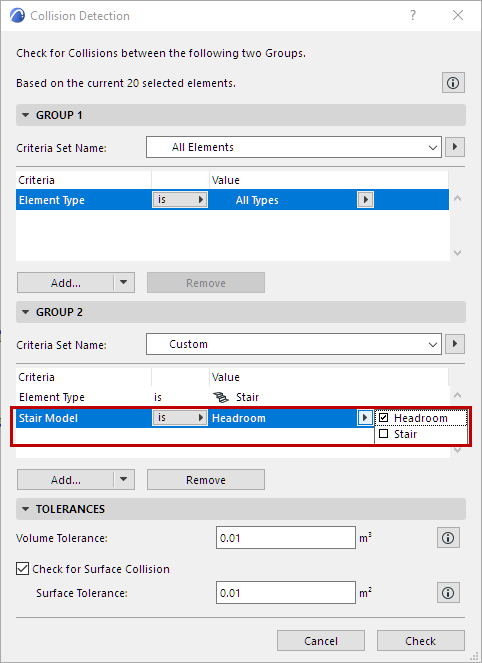
- Press Check to run Collision Detection.
- The Model Check Report opens to show results. Here, for
each result you can view the related elements in the model and create Issues as
needed.
See Model Check Report .