Exempt Building Material from Collision Detection
Collision Detection takes the elements’ Building Materials into account. Building Materials can be set to participate in Collision Detection, using the checkbox “Participates in Collision Detection” in the Classification and Properties panel of Building Materials, at Options > Attributes > Building Materials.
If this checkbox is turned off, then the Building Material will not participate in Collision Detection.
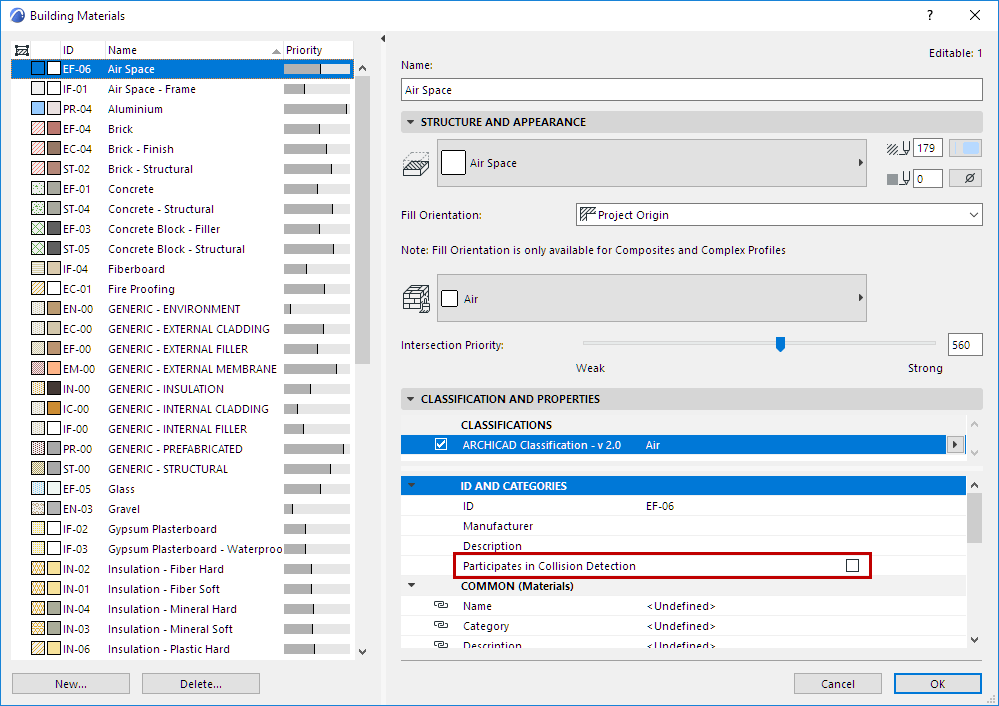
For example, an MEP element (e.g. duct) that runs through a Building Material used as an air gap will not be considered as a collision.