Set Volume/Surface Tolerances
Optionally, define Tolerances for the volume and surface of elements’ colliding parts.
Elements are considered to collide if the colliding parts’ volume or (if enabled) the colliding parts’ surface area exceeds the Tolerance value.
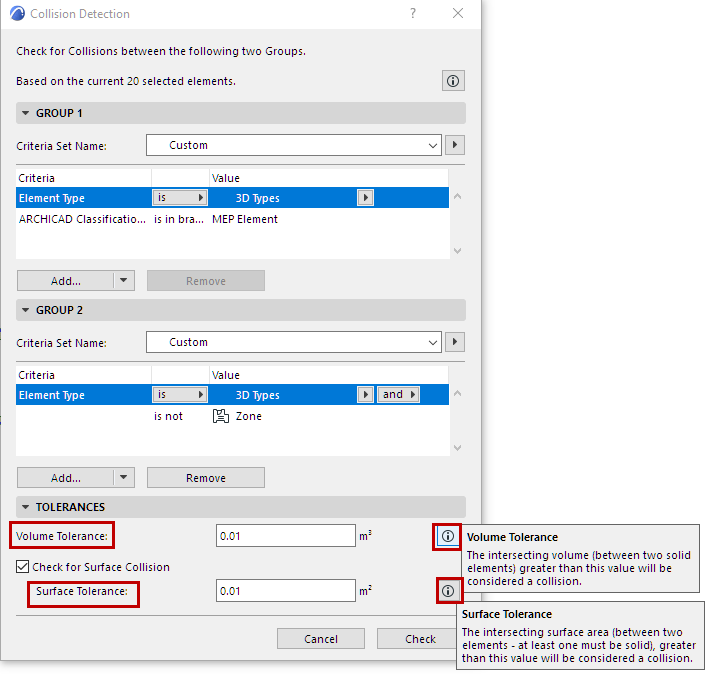
Volume Tolerance
Collision Detection always considers colliding elements in terms of the volume of the colliding parts.
You can set an optional Volume Tolerance: If the volume of the two elements’ colliding parts exceeds this tolerance value, the elements are treated as colliding.
Check for Surface Collision
As an additional option, the Collision Detection function also checks the surface area of the colliding parts. If you enable Surface check and set a tolerance, then elements are treated as colliding if the colliding surface area exceeds this Surface Tolerance value.