Add Selected Elements to New Issue
- Select one or more elements. Anything in the model that has Settings can be added.
- Right click: From the context menu, choose Add to New Issue.
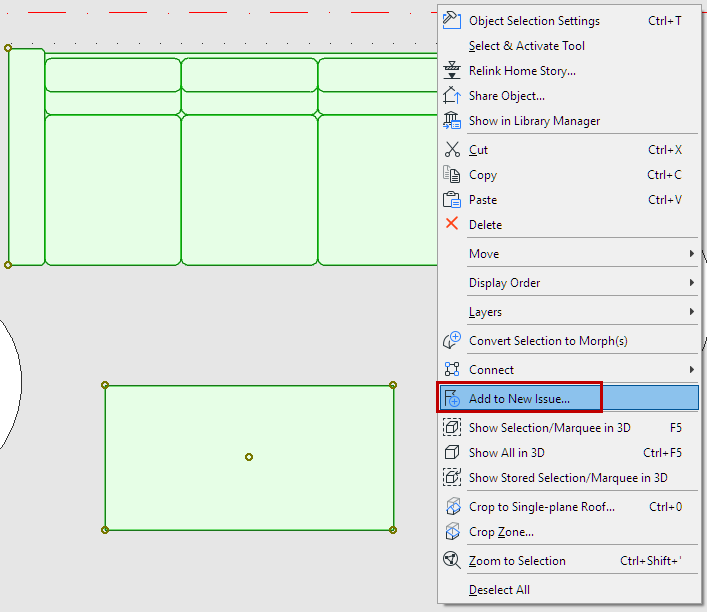
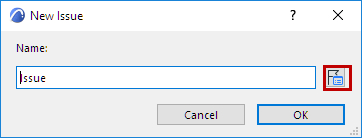
The New Issue dialog appears, and the Issue Manager palette opens.
- In the New Issue dialog:
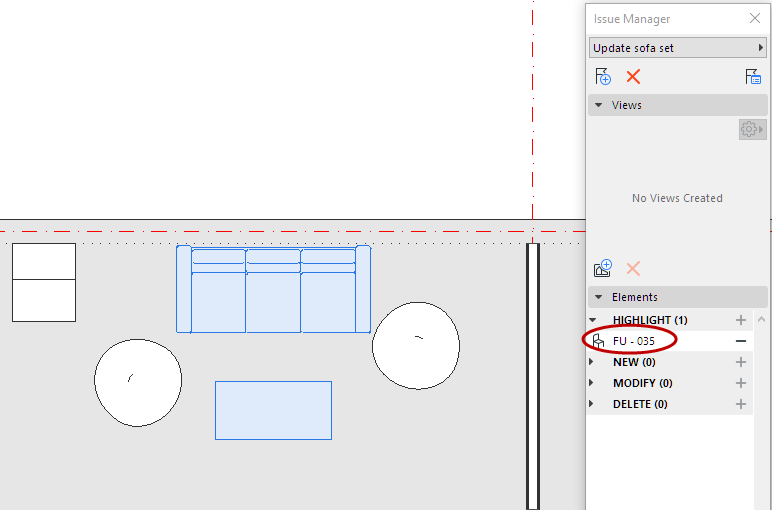
- The new Issue is now open in Issue Manager.
By default, the Issue elements are placed the Highlight list of Issue Manager, and are highlighted in the model.
Add Element(s) to New Issue - As Response
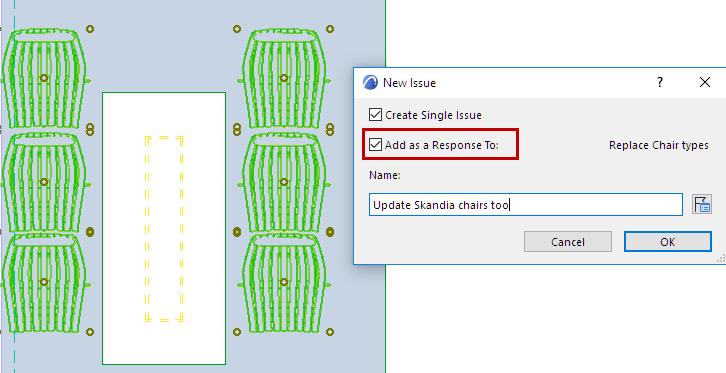
You can add a new Issue as a response to the current Issue which is open in Issue Manager.
- Select the model element(s).
- Right click: From the context menu, choose Add to New Issue.
- In the New Issue dialog, check Add as a Response to
See also Suggestion Elements in Issue Manager (Highlight, New, Modify, Delete).